

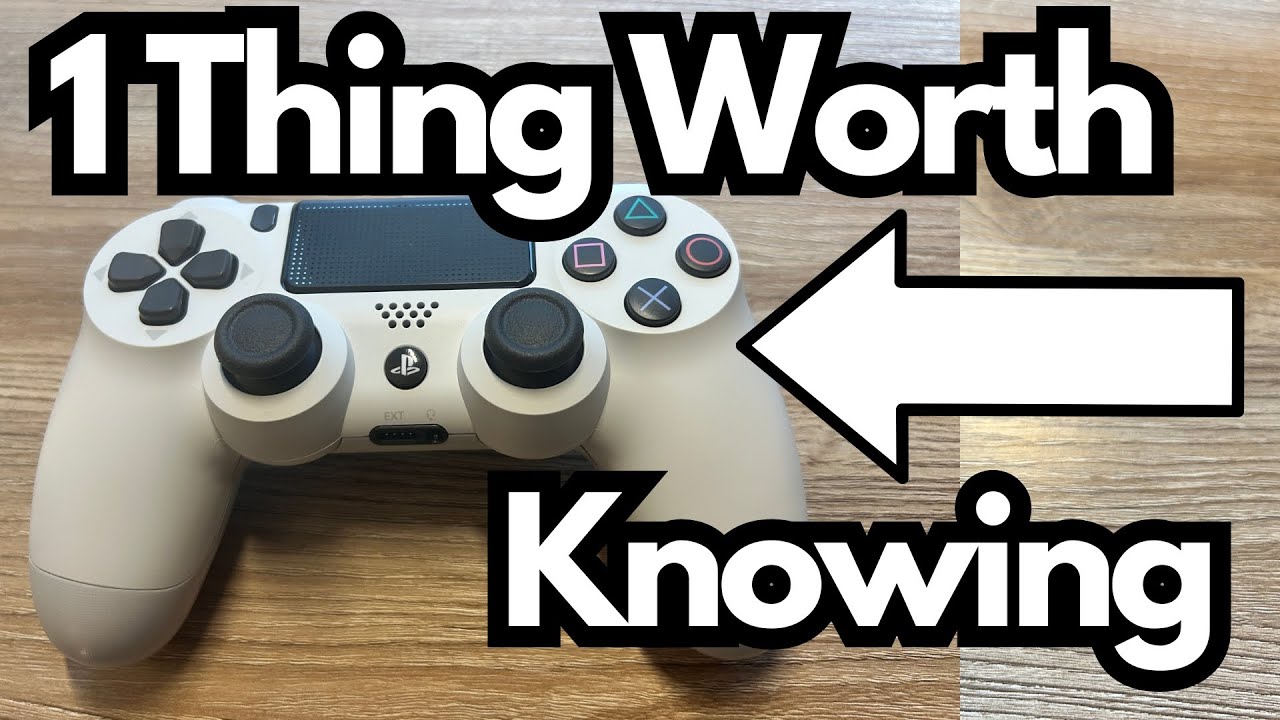
If you’ve got a PS4 controller lying around and an iPad Pro, you’re sitting on a surprisingly powerful little gaming setup. You don’t need a console, and you don’t need to be “current” on gaming hardware to enjoy it. The PS4 (DualShock 4) controller still holds up incredibly well and works seamlessly with modern devices like the iPad Pro.
This is perfect if:
- You’re a lapsed gamer getting back into it.
- You prefer physical controls over touchscreens.
- You want a compact, console-like experience without buying a new system.
Let’s break down how the PS4 controller feels and functions when paired with an iPad Pro. You can grab it here on Amazon if you’re interested.
Overview / First Impressions
The PS4 controller connects to the iPad Pro and works just like you’d hope: you pair it via Bluetooth, fire up a compatible game (like the Resident Evil 4 demo), and you’re off. There’s no weird lag, no awkward mapping issues in supported games, and the controls feel natural immediately.
If you grew up on PlayStation—PS1, PS2, PS3—the DualShock 4 feels familiar but noticeably improved. It’s like picking up an old favorite that’s been refined rather than reinvented.
Build Quality & Design
Compared to the PS3 controller, the PS4 DualShock 4 is a clear upgrade in terms of comfort and feel:
- Ergonomics: The grips are more contoured and sit better in the hands, especially during longer sessions.
- Buttons & Sticks: The analog sticks feel more precise and stable. The face buttons and triggers have a satisfying, responsive feel.
- Overall Comfort: Even if you’ve been out of gaming for years, it’s easy to pick this up and feel at home right away.
Sony hasn’t abandoned the classic PlayStation layout, which makes it incredibly intuitive if you have any history with their controllers.
Features & Functions on iPad Pro
When paired with an iPad Pro, the PS4 controller behaves like a modern, fully supported gamepad:
- Standard Controls: Left stick for movement, right stick for camera, triggers for aiming/shooting or other actions depending on the game.
- Button Mapping: Most games that support controllers will automatically map the buttons in a logical way. In something like Resident Evil 4, you’ll find that the layout feels very natural.
- Extra Buttons: The touchpad and other function buttons may map to in-game menus or maps, depending on the title. For example, you might accidentally discover that a certain button brings up the map or inventory.
You don’t really have to “set it up” beyond pairing it once. After that, it just works.
How It’s Best Used
While there’s no “tone” to discuss like with audio gear, there are clear practical use cases where this setup shines:
- Console-Style Gaming on the Go: Play high-quality titles like Resident Evil 4 on your iPad with real controls instead of touchscreen buttons.
- Big-Screen Experience: Run an HDMI cable from your iPad Pro to your TV, and suddenly you’ve got a living room gaming setup powered by your tablet.
- Casual Return to Gaming: If you haven’t played since the PS3 era, this is a low-commitment way to dip your toes back in without buying a full console.
The combination of the iPad Pro’s power and the PS4 controller’s familiarity gives you a surprisingly “full” gaming experience.
Limitations / Things to Know
There are a few details worth keeping in mind:
- Game Support Varies: Not every iPad game supports controllers. You’ll want to stick with titles that explicitly mention controller support (many premium games and ports do).
- Button Behavior: Some of the more specialized buttons (like the touchpad) may behave differently from game to game—often triggering maps, menus, or special functions.
- Setup Needed for TV Play: To use your TV, you’ll need:
- A compatible HDMI adapter for your iPad Pro
- An HDMI cable to connect to the TV
Once that’s done, though, it’s essentially a plug-and-play experience.
Final Thoughts
The PS4 DualShock 4 controller is far from obsolete. In fact, paired with an iPad Pro, it feels more relevant than ever. It’s comfortable, familiar, and works flawlessly with supported games. If you’ve been out of gaming for a decade or more, this setup is a fantastic way to jump back in without investing in a full console.
If you already own a PS4 controller and an iPad Pro, you’re just a Bluetooth pairing and an HDMI cable away from a surprisingly powerful little gaming rig.