

If you’re filming guitar lessons, demos, or any kind of YouTube content, you already know: bad audio ruins good video. You can have the nicest camera in the world, but if your voice is thin, noisy, or clipping, people will click away fast.
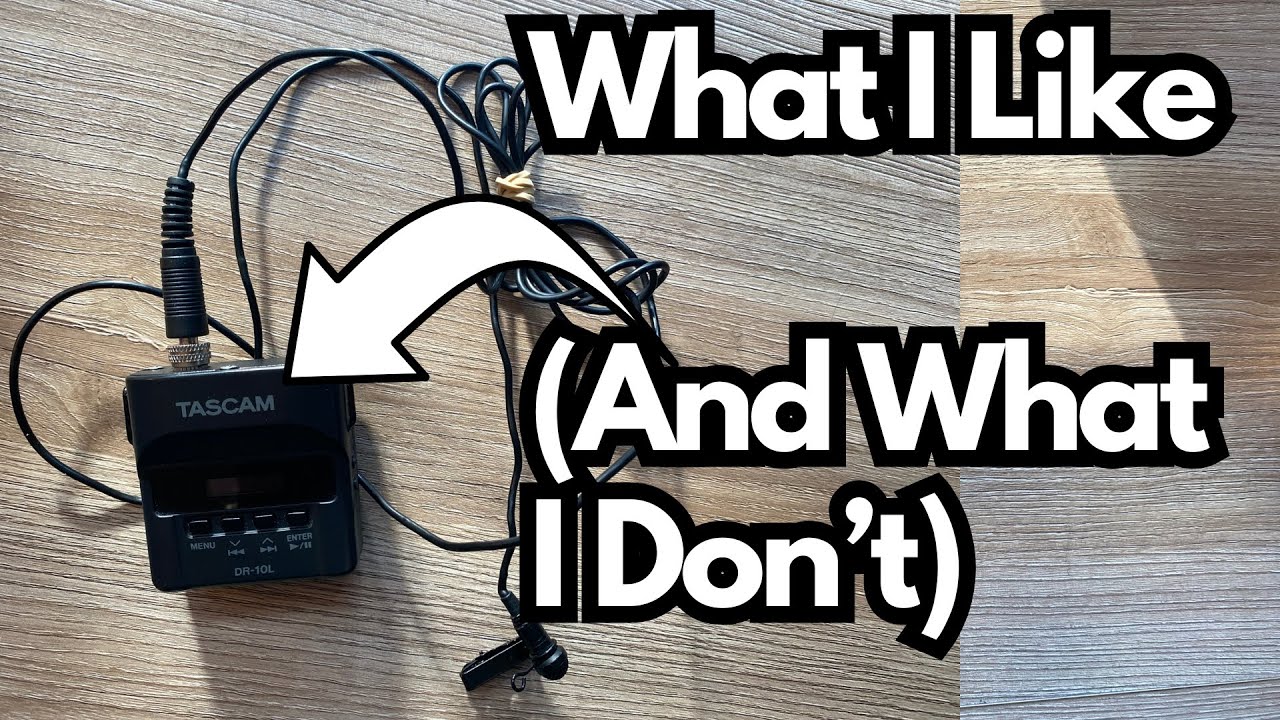
That’s why I started using this little TASCAM lapel recorder (on Amazon) every single day. It’s not flashy, it’s not “smart,” but it quietly solves almost all of my audio problems.
This post is a quick, practical look at how it works, what it does well, and a couple of things you’ll want to know before grabbing one.
Overview / First Impressions
This TASCAM recorder is a compact, self-contained lavalier (lapel) recording solution. Instead of dealing with wireless packs, receivers, or camera inputs, you:
- Drop it in your pocket
- Clip the mic to your shirt
- Hit record
That’s it. For solo creators, guitar teachers, and demo makers, that simplicity is a huge win. There’s no worrying about wireless dropouts or camera audio settings — it just captures clean, consistent voice audio while you focus on playing.
I use it literally every day for YouTube videos.
Build Quality & Design
The design is practical and straightforward:
- Pocket-sized body – Small enough to disappear in a pocket while you record.
- Clip-on mic – Attaches easily to your lapel, t-shirt, or hoodie.
- Single AAA battery – Runs on one standard AAA, which you can swap in seconds. No proprietary batteries, no waiting for it to recharge.
- MicroSD storage – Records directly to a microSD card inside the unit.
It feels like a tool, not a toy: simple buttons, no unnecessary complexity, and it just does its job.
Features & Functions
While I mainly use it in a “set and forget” way, it does have some genuinely useful features:
Dual-level safety recording
You can have it create a duplicate track at a lower volume:
- Main track: normal level
- Safety track: lower level
This is a lifesaver if you suddenly speak louder, laugh, or shout over a loud amp and cause clipping. The quieter backup track is there to save the take.
Configurable settings
There are various settings and controls you can tweak (levels, formats, etc.), but honestly, I don’t spend much time there. I just set it up once and let it do its thing.
For most guitar-related content — talking to camera, explaining concepts, or walking through gear — this is more than enough.
How It Sounds / Use Cases
From a guitarist’s perspective, here’s where it shines:
Talking-head lessons and tutorials
It’s perfect for explaining chord shapes, scales, or theory while you play. Your voice stays clear and intelligible over the guitar.
Gear demos
If you’re miking an amp or using a direct guitar signal into your interface, this TASCAM can handle your voice separately. That means:
- Clean guitar audio from your usual recording path
- Clean voice audio from the TASCAM
You then sync them in your video editor for a polished result.
No wireless headaches
There’s no RF interference, no dropouts, and no pairing issues. Once it’s recording, it’s rock solid.
The overall sound is reliable and consistent — exactly what you want for spoken word in guitar content.
Limitations / Things to Know
1. File Transfer Is Old-School
This is the one thing I really don’t like.
To get audio onto your computer, you have to:
- Take out the microSD card
- Put it into a microSD-to-SD adapter
- Plug that into a card reader or adapter on your computer
No Bluetooth, no Wi‑Fi, no direct wireless transfer, no AirDrop-like convenience. It’s a little clunky, especially if you’re used to modern “wireless everything” workflows.
That said, once you accept the routine, it’s manageable — just not elegant.
2. Not a Streaming / Live Solution
This is a recorder, not an audio interface. It doesn’t send live audio to your computer for streaming or Zoom lessons. You record first, then transfer the files later.
If you’re doing live streams or real-time remote lessons, you’ll still need a proper interface and mic setup.
Final Thoughts
For what I need — reliable, daily voice recording for YouTube guitar content — this TASCAM lapel recorder has been absolutely worth the money.
What I love:
- Super simple “clip and go” workflow
- Consistent, dependable audio
- Safety track at lower volume for anti-clipping protection
- Runs on a single AAA battery
- Tough enough for everyday use
What I don’t love:
- MicroSD card shuffle for every transfer
- No wireless export or AirDrop-style convenience
If you’re a guitarist making lessons, demos, or any kind of talking-head content and you just want your voice to sound good without babysitting your gear, this little recorder is a great tool to have in your kit.
Resources
If you pick one up, I recommend:
- Keeping a spare AAA battery in your gig bag or desk drawer.
- Grabbing a decent microSD card and a reliable card reader to make file transfers less annoying.