

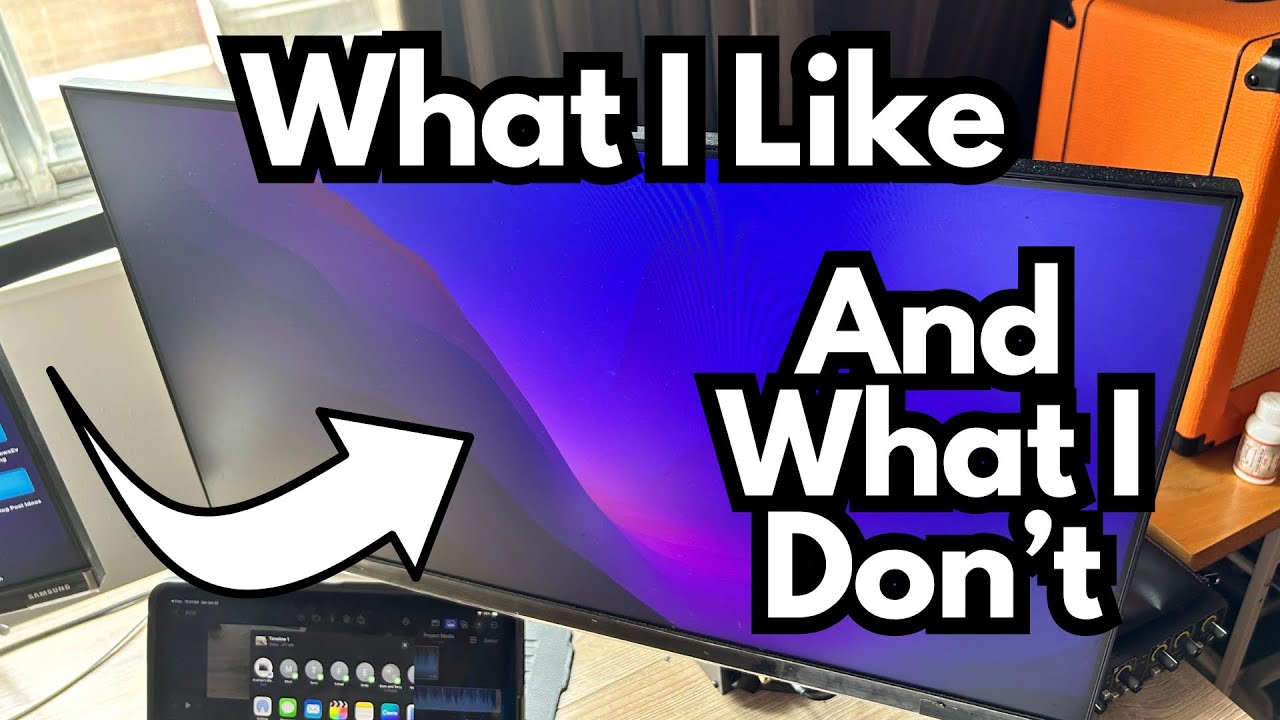
If you spend all day at a computer—whether you’re recording guitar, editing video, or just managing your creative work—your monitors matter more than you think.
Moving from a single laptop screen to a proper multi-monitor setup can be the difference between fighting your workflow and actually enjoying it.
This is a long-term, real-world look at a pair of basic but reliable desktop monitors that have quietly become essential in daily use. You can grab them here on Amazon.
Overview / First Impressions
These monitors aren’t flashy, but they do exactly what they’re supposed to do:
- They mount cleanly to a VESA-compatible arm.
- They play nicely with macOS.
- They’ve been in daily use for a couple of years without drama.
If you’re coming from just a laptop screen, the upgrade is huge. More screen real estate means more room for your DAW, plugins, tabs, charts, and whatever else you rely on.
From a guitarist’s perspective, being able to spread your workflow—DAW on one screen, amp sim or plugin chain on another, maybe tabs or notation on a third—can seriously speed up your sessions.
Build Quality & Design
The design is straightforward and functional:
- VESA-compatible: They attach to a VESA mount (like a Vivo arm) on the back with no hassle. Once they’re screwed in, they’re solid and secure.
- Clean mounting: The mounting system is efficient and convenient—no weird adapters or sketchy brackets.
- No overcomplication: Nothing about the physical design feels needlessly complex. You mount them, plug them in, and you’re done.
They’re clearly built with practicality in mind rather than style points, which is exactly what you want if you’re building a reliable studio or workspace.
Features & Functions
Functionally, they cover the basics well:
- External power: Each monitor needs to be plugged into the wall. They’re not bus-powered over USB or anything like that. If you’re planning a multi-monitor setup, make sure you’ve got enough outlets or a good power strip.
- macOS compatibility: They respond well to macOS. No weird glitches, no constant re-detecting, no resolution issues.
- Flexible layout options: You can:
- Rearrange the displays in macOS settings.
- Choose how they’re oriented and how they line up with each other.
- Add other screens into the mix (like an iPad or the built-in laptop display).
For a guitarist working in a DAW, that flexibility is huge. You can dedicate one screen to your arrange window, another to your mixer, and maybe a third to plugins or lyric sheets.
How They Perform for Creators & Guitarists
These are visual monitors (displays), not studio speakers, so “how they sound” isn’t the focus here. But in terms of how they work for creative use, they shine in a few key ways:
- Recording & mixing: Run your DAW full-screen on one monitor, keep your amp sims, IR loaders, or pedalboard plugins visible on another, and use a third (if you add one) for notes, browser reference tracks, or charts.
- Practice & learning: One screen for YouTube lessons, one for tab/notation software, and one for your DAW or looper app if you’re recording ideas.
- Content creation: If you’re filming demos or making lesson content, it’s far easier to manage video editing, audio tracks, and reference material with multiple displays.
They don’t change your tone—but they absolutely change your workflow, and that indirectly affects how quickly and comfortably you can create.
Limitations / Things to Know
A few practical points to keep in mind:
- They require external power: Each monitor needs a wall outlet. Not a deal-breaker, but you’ll want to plan your power routing.
- Desk space and mounting: You’ll need:
- A VESA-compatible mount or arm (like the Vivo model mentioned).
- Enough physical space on or behind your desk to position the monitors comfortably.
- Expansion is limited by your space: The only real “complaint” is physical: if there were more room, a third monitor would be an easy yes. So if you’re planning a multi-monitor rig, think ahead about how many screens you realistically want and how your desk will handle it.
Final Thoughts
These monitors are the kind of gear you stop thinking about—which is a compliment.
They:
- Do exactly what they’re supposed to.
- Have worked reliably for years.
- Integrate smoothly with macOS and multi-display setups.
- Make a massive quality-of-life difference over using a laptop screen alone.
From a guitarist’s or creator’s point of view, they’re not “exciting” in the way a new pedal or amp is, but they quietly make everything else you do easier. That’s the kind of upgrade that ends up mattering the most.
If there were more space on the desk, adding a third would be an easy decision. As it stands, they’re a solid, no-nonsense choice that’s easy to recommend.