

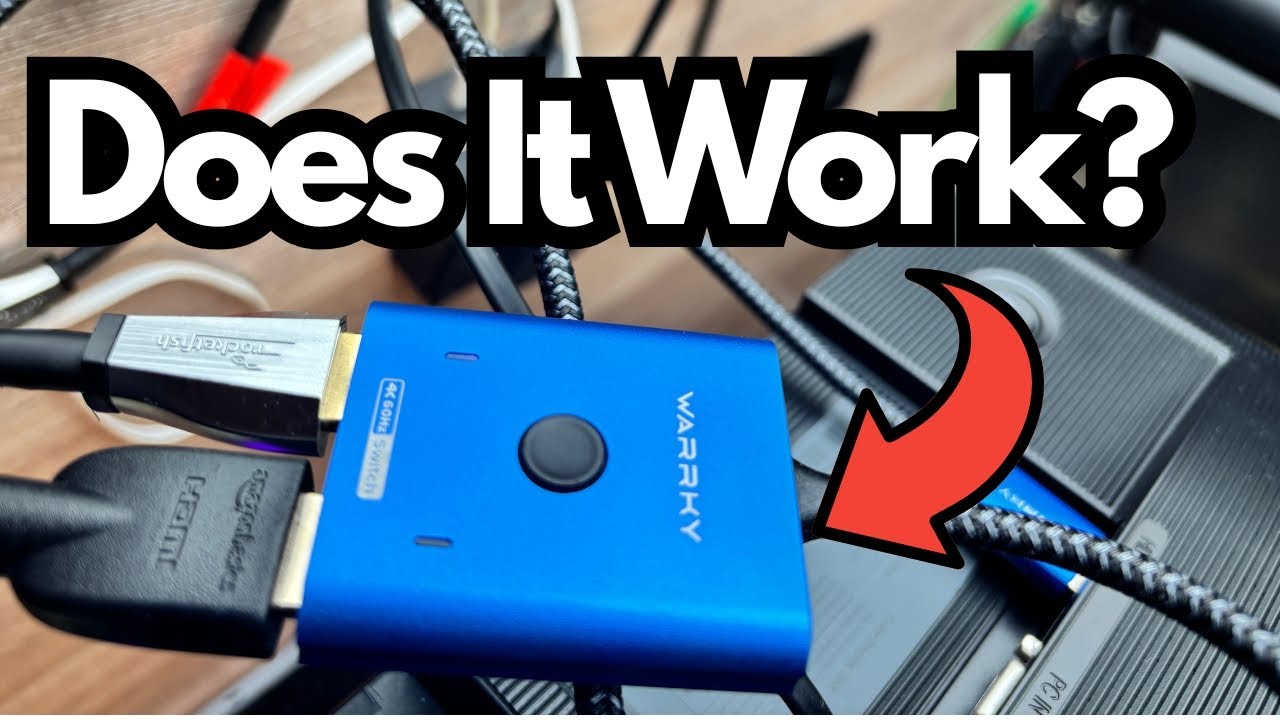
If you’re running out of HDMI ports, or you want to share a single monitor between your PS3 and your computer, a basic HDMI switch can be a lifesaver. No more crawling under your desk to swap cables—just hit a button and you’re on a different device.
This post walks through a super simple, bus‑powered HDMI switch and how it performs in a real-world setup with a PS3 and a computer monitor.
You can grab it here on Amazon if you’re interested.
Overview / First Impressions
This HDMI switch is about as straightforward as it gets:
- It lets you share one display (like a computer monitor) between two HDMI sources (in this case, a PS3 and a PC).
- You switch inputs manually with a single button on the unit.
- It’s bus powered, which means it draws power from the HDMI connection itself—no extra power adapter required.
For anyone who just wants a no-fuss way to toggle between a console and a computer on one screen, this kind of switch is ideal.
Build & Basic Design
While the video doesn’t dive deep into materials or dimensions, the key design points are:
- Compact form factor – Small enough to sit behind a monitor or on a desk without taking up much space.
- Single physical button – You press it to cycle between connected devices.
- Simple port layout – HDMI in from each device, HDMI out to your display.
There are no screens, remotes, or menus to deal with—just plug it in and use the button.
Features & Functions
Here’s what this HDMI switch actually does for you:
1. Bus-Powered Operation
The standout feature is that it’s bus powered:
- No external power brick needed.
- Power is drawn directly from the HDMI connections.
- Cuts down on cable clutter and frees up outlets.
This is especially handy if your setup is already crowded with power adapters.
2. Manual Input Switching
Operation is as simple as it sounds:
- Press the button on the switch to change from one device to the other.
- In the example setup:
- Input 1: PS3
- Input 2: Computer
- Pressing the button instantly flips the monitor from displaying the PS3 to displaying the computer, and vice versa.
There’s no noticeable delay or handshake issue mentioned—just a clean, quick change.
How It’s Used in a PS3 + PC Setup
In the demonstrated setup, the switch is used like this:
- The PS3 connects to the switch via HDMI.
- The computer also connects to the switch via HDMI.
- The monitor is plugged into the switch’s HDMI output.
From there, daily use is extremely simple:
- When you want to use the computer, make sure the switch is on that input.
- When you want to play PS3, reach behind the monitor, press the button, and the display changes to the PS3.
- Press the button again to go back to the computer.
For this specific use case—toggling between a console and a computer on one monitor—the switch works “pretty much perfectly,” with no complaints.
Limitations / Things to Know
A few practical notes based on this type of device:
- Manual only – There’s no automatic input switching or remote control. You must physically press the button.
- No advanced features – Don’t expect audio extraction, ARC, 4K/120 Hz, or gaming-specific extras. This is a basic HDMI switch aimed at simple setups.
- Device count – The example uses it for two devices; if you need more inputs, you’d want a larger switch.
If your needs are simple—just two HDMI sources and one display—this kind of switch is more than enough.
Final Thoughts
For a straightforward PS3 and PC monitor setup, this bus‑powered HDMI switch does exactly what it’s supposed to:
- No external power supply
- One button to toggle between devices
- Reliable performance with no issues reported
If you’re tired of physically swapping HDMI cables and just want a simple, dependable way to share one screen between a console and a computer, a basic bus‑powered HDMI switch like this is an easy, low-cost solution.