

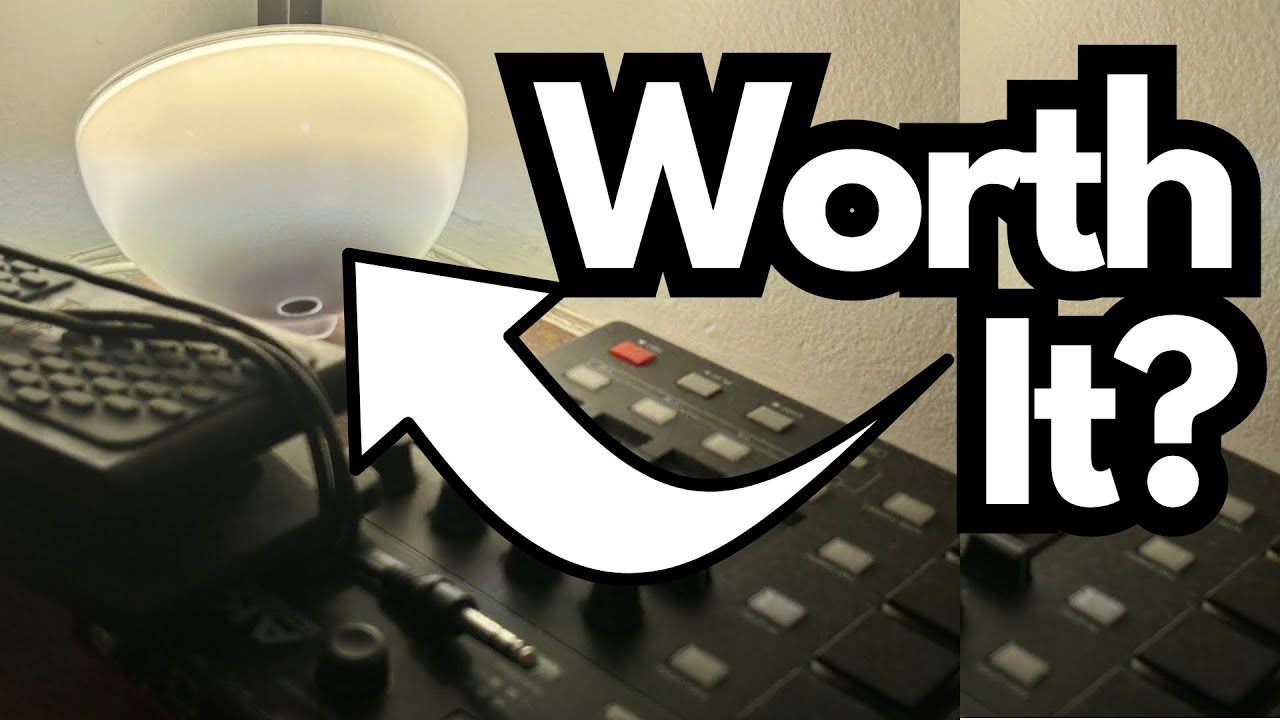
The Philips Hue Go is one of those little lights that doesn’t look like much at first glance—but once you drop it in the corner of a room, it quietly becomes essential. You can grab one here on Amazon if you’re interested.
This is a quick, real-world look at how the Hue Go fits into a room setup, how it behaves day-to-day, and why it’s especially handy if you’re trying to light those awkward corners around your amps, desk, or pedal shelves.
Overview / First Impressions
The Philips Hue Go is a small, portable smart light that works both plugged in and on battery. In practice, it really shines (literally and figuratively) as a corner light.
Used in a fixed spot—like the back corner of a room—it:
- Fills the space with ambient light without taking up much room
- Responds reliably to the Philips Hue app
- Works best when left plugged in for maximum brightness
If you’ve ever struggled to get any kind of light into the far corner behind your cab, desk, or recording rig, this kind of fixture is one of the few practical solutions.
Build Quality & Design
The Hue Go is designed to be tucked away:
- Compact, bowl-like shape that sits nicely on the floor, a shelf, or behind furniture
- Angled design lets you aim the light up into the wall or ceiling, which is perfect for indirect, mood-setting illumination
- Lightweight and portable, so you can pick it up and move it around if you want to change the mood elsewhere
It’s not a centerpiece lamp—it’s a “set it and forget it” kind of unit. Once it’s in place, you rarely think about it, and that’s kind of the point.
Features & Functions
From a guitarist’s or studio user’s perspective, the important stuff is:
- Smart control via the Hue app
- Turns on and off reliably
- Responds quickly to color and brightness changes
- Best performance when plugged in
- Brighter output
- No need to think about battery life
- Portable option if needed
- You can unplug it and carry it around
- Handy if you want a temporary light somewhere else in the house or studio
For a corner of a music room, leaving it plugged in is clearly the ideal setup.
How It Feels in Use (For Guitarists & Creators)
It doesn’t “sound” like anything, of course—but it does have a big impact on how your space feels, which matters when you’re:
- Filming guitar content
- Corner lighting helps separate you from the background
- Colored backlighting can make your videos look more polished with almost no effort
- Practicing or writing
- Soft, indirect light is less harsh than overhead lighting during long sessions
- Recording or mixing
- A dim, colored wash in the corner can make late-night sessions more comfortable and focused
In a guitar room, a Hue Go tucked into a dusty back corner behind an amp or rack can be the difference between “spare bedroom” and “actual studio vibe.”
Limitations / Things to Know
A few practical notes:
- Brightness is best when plugged in
- On battery, it’s more of an accent light
- If you want a strong wash of light in a corner, plan to keep it on mains power
- Not a primary room light
- It’s designed for ambience, not to fully light a large room
- Set-and-forget usage is ideal
- While it’s technically portable, the most satisfying way to use it is to pick a corner, plug it in, and leave it there
If you’re expecting a full-on main lamp replacement, this isn’t that. It’s more of a mood and accent tool.
Final Thoughts
The Philips Hue Go is one of those pieces of gear that just quietly does its job. In a guitar room or studio corner, it:
- Fits where almost no other light can
- Responds reliably to the app
- Works best left plugged in as a permanent ambient light source
If you need a simple way to add depth and mood to the corners of your space—especially behind amps, desks, or shelves—the Hue Go is a near-perfect, low-effort solution.
Resources
- Philips Hue App & Ecosystem – To get the most out of the Hue Go, pair it with the Philips Hue app and, optionally, a Hue Bridge for more advanced scenes and integrations.