

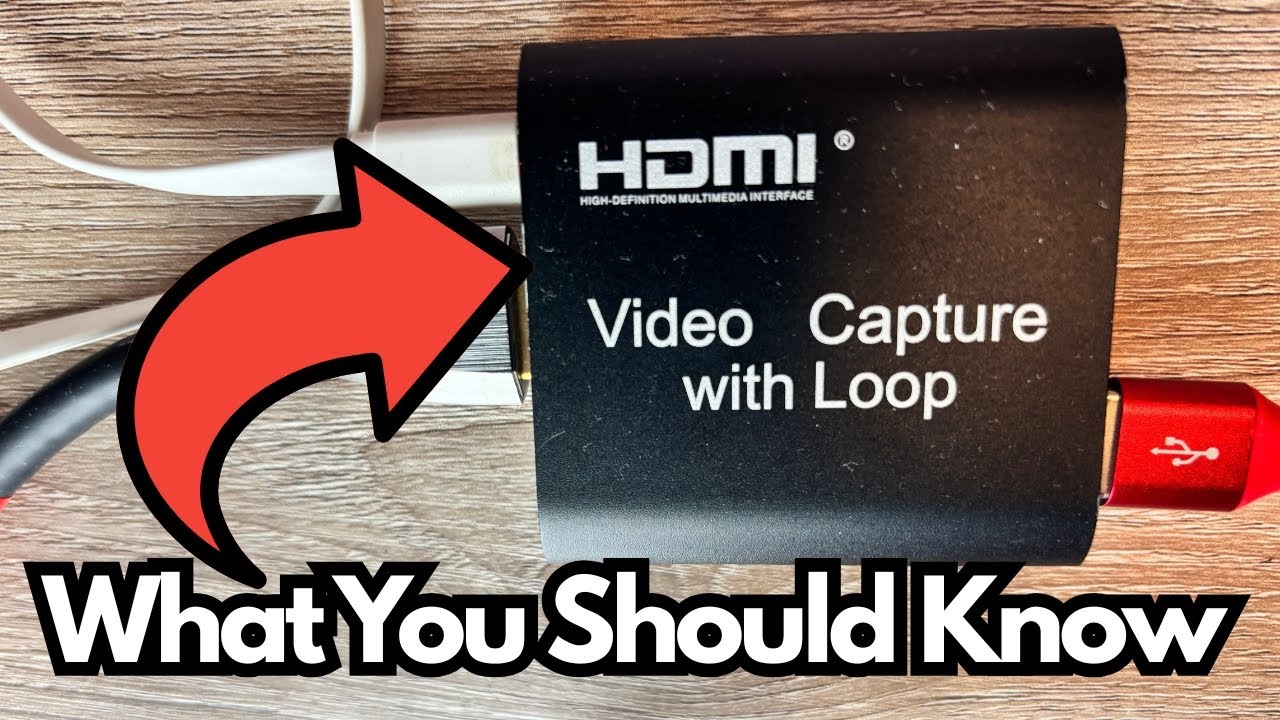
If you’re looking to stream gameplay from a PlayStation 3, you’ve probably already discovered that it can be a bit more finicky than newer consoles.
Between HDCP, older HDMI standards, and cheap gear that randomly cuts out, it’s easy to waste time and money on hardware that just doesn’t work.
This little no-name HDMI video capture card is one of those rare budget pieces that actually does what it’s supposed to do—especially with PS3 and Streamlabs. It’s not perfect, but it’s turned out to be one of the more reliable parts of the setup.
You can grab it here on Amazon if you’re interested.
Overview / First Impressions
This capture card is a simple, generic HDMI-to-USB device that lets you bring your PS3 video into your computer for streaming or recording.
In practice, it:
- Works properly with PS3 output
- Plays nicely with Streamlabs
- Stays stable once it’s powered and connected
- Feels more dependable than some of the other cheap accessories in the chain (like the splitter)
There’s no fancy branding or premium build here—it’s a utility device that just quietly does its job.
Setup & Power Requirements
The one thing that stands out about this capture card is that it requires external power to function properly.
Power Setup
Here’s how the power side works:
- The capture card is powered via a separate cable (the white cable mentioned in the video).
- That cable runs into a powered device (referred to as the “big dot thing” or monitor hub).
- Without this external power, the card will not work reliably.
So, unlike many plug-and-play USB capture cards that draw power directly from the USB port, this one needs an additional power source in your setup.
Basic Connection Flow for PS3 Streaming
A typical working setup looks like this:
- PS3 HDMI Out → into HDMI splitter (to handle HDCP and send signal to both TV/monitor and capture card).
- Splitter HDMI Out → into capture card HDMI In.
- Capture card USB → into your computer.
- External power → into the capture card (via the white power cable / powered hub).
- Open Streamlabs and select the capture card as your video source.
Once everything is powered and connected, Streamlabs recognizes the card and the PS3 feed comes through normally.
Reliability Compared to Other Budget Gear
One of the more useful takeaways is how this capture card behaves compared to other low-cost devices in the chain.
The user specifically calls out an “Easy Co” HDMI splitter:
- The splitter is described as finicky and not very reliable.
- In contrast, the capture card is consistently stable.
- Once powered, the capture card rarely causes problems or needs to be reset.
So while the overall PS3 capture setup might have weak links (like the splitter), this particular capture card is not one of them. It’s actually one of the more trustworthy components.
Pros & Cons
What It Does Well
- Works with PS3: Handles the console’s output without major issues.
- Streamlabs compatible: Recognized as a video source and works as expected.
- Stable performance: Once powered and set up, it “just works” with minimal fuss.
- Good for budget setups: Despite being a no-name/generic unit, it’s more dependable than some branded cheap gear.
Limitations / Things to Know
- Requires external power: You must account for that extra power cable and source.
- No clear branding: Makes it harder to look up official specs or support.
- Dependent on other gear: If your splitter or HDMI chain is weak, you may still see issues, even though the capture card itself is solid.
Who This Is For
This kind of capture card makes sense if:
- You’re streaming PS3 on a budget.
- You don’t mind using generic / unbranded hardware.
- You’re okay with a slightly more complex setup that includes external power.
- You want something that’s more reliable than the average cheap HDMI gadget, especially for older consoles.
If you need 4K, ultra-low-latency capture for competitive streaming on modern consoles or PC, this isn’t the tool. But for getting a PS3 feed into Streamlabs without constant headaches, it does the job well.
Final Thoughts
For a no-name, low-cost HDMI capture card, this unit punches above its weight where it matters most: it reliably captures PS3 gameplay into Streamlabs once you give it the power it needs.
Yes, the external power requirement is a small inconvenience, and the rest of your chain (like a flaky splitter) can still cause issues. But judged on its own, this capture card is one of the more dependable pieces in a budget PS3 streaming setup—and that’s more than you can say for a lot of cheap capture gear.