

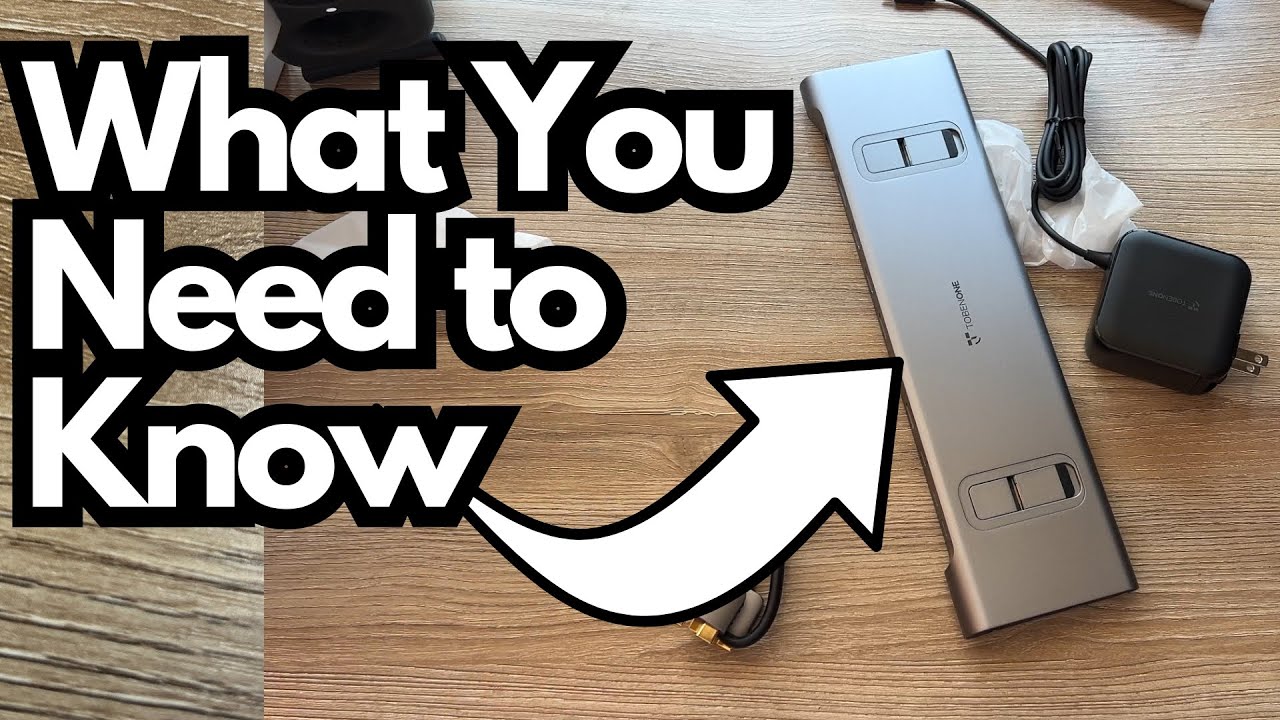
If you produce music, record guitar, or just run a busy home studio from a laptop, you know the pain: dongles everywhere, random adapters, cables hanging off every side of your MacBook or PC. It’s messy, unreliable, and honestly kind of kills the vibe. Grab it here on Amazon.
That’s why this TobenOne USB‑C adapter caught my attention. I went in skeptical—most hubs are hit‑or‑miss, especially once you start throwing audio interfaces, multiple displays, and external drives into the mix. But this one surprised me in a good way.
This post is a rundown of how it performs in a real guitar‑focused studio setup.
Overview / First Impressions
The TobenOne adapter is essentially a compact docking station that lets you plug everything into one unit:
- Two displays
- Audio interface
- External SSD
- USB MIDI keyboard
- iLok / USB key
- Headphones / studio monitors
- Power delivery for your laptop
- SD / microSD cards
In my case, it completely replaced multiple adapters I was using before. I went from a small nest of dongles to one clean hub that handles my entire guitar and production workflow.
If you’re a guitarist who:
- Records at home
- Uses an audio interface
- Runs multiple screens for your DAW
- Needs fast access to external drives and SD cards
…this kind of all‑in‑one hub can make your life much easier.
Build Quality & Design
Physically, the TobenOne feels like a proper desktop hub rather than a flimsy travel dongle:
- Solid construction (not the ultra‑cheap plastic you get with bargain adapters)
- Multiple ports laid out in a way that makes desktop use practical
- A dedicated power button you need to press to turn the hub on
That power button is easy to miss at first, but once you know it’s there, it’s no big deal—just tap it after you’ve connected everything.
The included cables are actually useful, too:
- Dual USB‑C cable to connect the hub to your laptop
- USB‑C power cable to feed power into the hub from your wall adapter
Nothing feels like an afterthought, which is encouraging if you’re planning to rely on this in your main studio setup.
Features & Functions
Here’s how I’m actually using the ports as a guitarist and producer.
Core Connections
- Laptop connection:
Use the included dual USB‑C cable. One end goes into the dedicated USB‑C port on the hub, the other into your laptop’s USB‑C ports. - Power delivery:
The hub has a USB‑C power input. I connect that to a wall adapter (the “wall wart”) using the included cable. That way, the hub powers the laptop and all connected devices.
Audio & Monitoring
For a guitar‑based setup, this is the most critical part:
- Audio interface:
Plugged into one of the USB ports on the hub. This handles my guitar input, microphones, and general I/O for recording. - Headphones / studio monitors:
The hub has a headphone/audio out port that feeds my studio monitors. Once everything is set up properly in the OS, playback is smooth and stable.
Important step:
On your computer, you must go into your sound settings and set the audio output to the USB device (the hub). Once that’s done, your speakers and interface behave as expected.
Displays
I’m running two external displays from the hub. For music production, this is huge:
- One screen for the DAW timeline and mixer
- Another for plugins, amp sims, tabs, or reference material
The TobenOne handles both displays along with all the other gear without freaking out—no random disconnects in my experience so far.
Storage & Extras
- External SSD:
Plugged into the hub for sample libraries, project files, and fast backups. - USB MIDI keyboard:
Connected via USB for playing virtual instruments. - USB key / iLok / Cubase dongle (or similar):
Also handled by the hub with no issues. - MicroSD / SD card slot:
This is especially handy if you move files from cameras, phones, or field recorders. I pop my microSD card in there and it works exactly as it should.
How It Performs in a Guitar Studio
A hub doesn’t have a “sound” in the way a pedal or amp does, but it absolutely affects your workflow and reliability—especially with guitar recording.
In my setup, I’ve used it to:
- Track electric guitar through my audio interface into my DAW
- Monitor through studio speakers connected via the hub
- Run amp sims and plugins across two displays for a more ergonomic workspace
- Record and play back without pops, dropouts, or weird latency introduced by the hub
I recorded a quick guitar part through this setup just to stress‑test it. The hub didn’t introduce any obvious noise or instability. From a guitarist’s perspective, it just worked—exactly what you want from infrastructure gear like this.
Limitations / Things to Know
A few practical notes to keep in mind:
- You must select the hub as your audio device.
If your speakers or interface don’t seem to be working, check your OS sound settings and choose the USB audio device. - Remember the power button.
The hub needs to be turned on using the physical button. Easy step to forget the first time. - Long‑term durability is still unknown.
I’m happy with it so far and plan to keep using it, but only time will tell how it holds up under daily studio use. - Port layout and count depend on the specific model.
I’m describing how my unit is set up; check the exact spec sheet if you’re buying one to make sure it has the ports you need (HDMI vs DisplayPort, number of USB‑A ports, etc.).
Final Thoughts
For someone who records guitar and produces music on a laptop, the TobenOne USB‑C adapter turned out to be far more capable than I expected.
It:
- Replaced multiple adapters and dongles
- Handled two displays, an audio interface, monitors, external SSD, MIDI keyboard, and USB key all at once
- Stayed stable during recording and playback
If your current setup involves a mess of cheap adapters and you’re constantly worrying about what’s plugged in where, this kind of all‑in‑one hub can seriously clean things up and make your studio feel more professional and reliable.
I’ll keep using it and see how it holds up long‑term, but as of now, I’m genuinely happy with it in a real‑world guitar/production workflow.
Resources
- Check your DAW’s documentation on audio device setup to make sure you’re routing input and output correctly through the USB hub.
- If you’re running multiple displays, look up your operating system’s display arrangement and scaling settings to get the most out of your screen real estate in your DAW.