

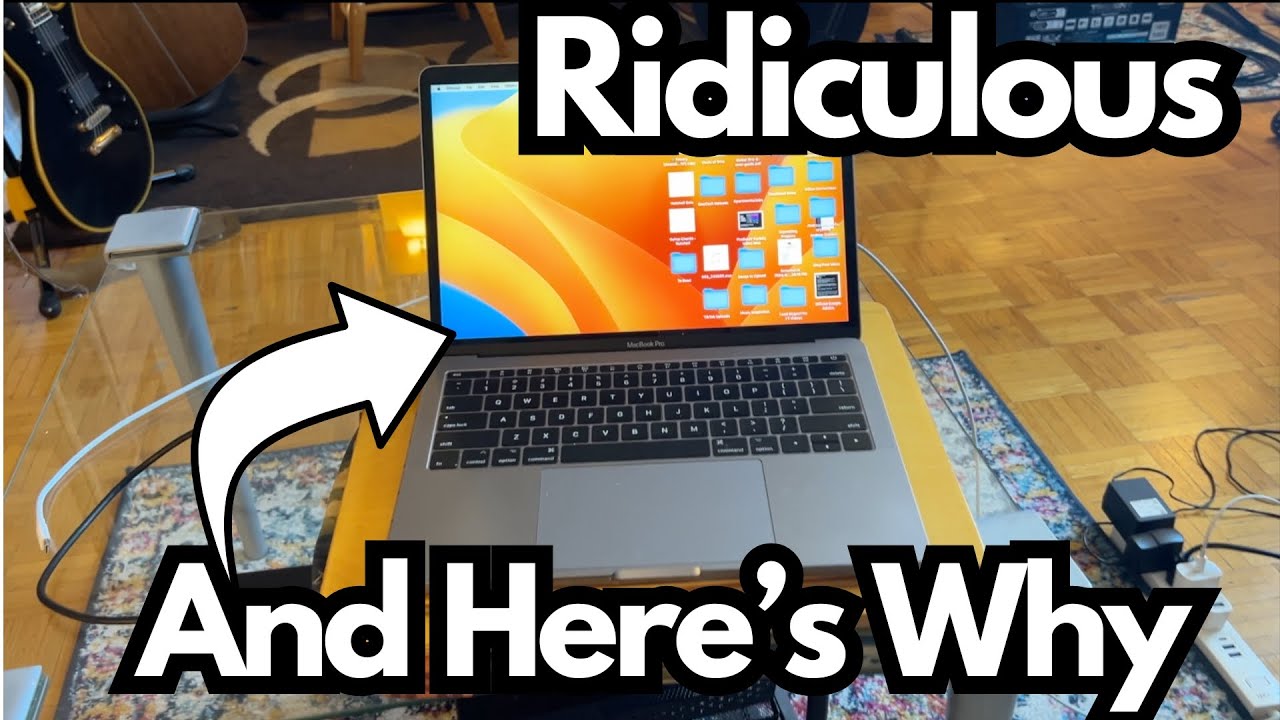
If you’re a guitarist or content creator thinking about picking up an older MacBook Pro to save some money, the 2017 model can look tempting. You can grab one here.
On paper, it still runs macOS, supports modern DAWs, and can handle basic tasks.
But after seven years of daily use, its limitations are very real—especially if you’re doing video editing, recording, or heavier creative work.
This post breaks down what a 2017 MacBook Pro (2.3 GHz i5, 8 GB RAM) is actually like to use today, and whether it still makes sense for musicians and guitar-focused creators.
Overview / First Impressions
The machine in question is a 2017 MacBook Pro with:
- 2.3 GHz Intel Core i5 processor
- 8 GB of RAM
- Used heavily for around seven years, often 8+ hours a day
In its time, this was a solid mid-range MacBook. For basic tasks—web browsing, email, writing, light photo editing—it still works. But for modern creative workflows, especially video and audio production, it’s clearly showing its age.
If you’re considering buying one used, the main thing to understand is this: it will not be anywhere near as fast or as powerful as current Apple Silicon laptops (M1, M2, M3, M-series Max, etc.).
Build Quality & Design
The 2017 MacBook Pro is classic Apple:
- Slim, portable, and well-built
- Designed to be carried around and used on the go
- Can survive years of daily use if treated reasonably well
This particular unit has been through a lot—taken outside frequently and used heavily for years. Despite that, it’s still functional, which says something about the durability of the chassis and overall build.
However, age and heavy use do take a toll:
- Battery life is likely degraded
- Thermals can get worse over time (fans spin up more often, machine gets hotter)
- Performance under sustained load drops compared to when it was new
Features & Functions (From a Creator’s Perspective)
Here’s how the key specs translate for guitarists and creators:
- Intel i5 CPU (2.3 GHz)
- Fine for basic tasks and light DAW sessions
- Struggles with modern video editing and heavier plugins
- Not optimized like Apple Silicon for today’s apps
- 8 GB RAM
- Usable for simple recording sessions (a few tracks, light plugins)
- Quickly becomes a bottleneck with:
- Large sample libraries
- Many simultaneous plugins
- Video editing in 1080p or higher
- Storage & Ports (not fully detailed here, but typical of the era)
- SSD is faster than old spinning drives, but not as fast as modern ones
- USB-C/Thunderbolt-only design means you’ll likely need dongles or hubs for interfaces, drives, and other peripherals
How It Performs for Guitarists
From a guitarist/content creator’s standpoint, here’s where this laptop still works—and where it doesn’t.
Where It’s Still Fine
If you’re doing lighter, less CPU-intensive work, you can get by with a 2017 MacBook Pro:
- Practicing guitar with amp sims at low track counts
- Recording simple demos:
- A few audio tracks (guitar, vocal, maybe a bass DI)
- Light EQ, compression, and reverb
- Basic DAW work:
- Logic, Reaper, GarageBand with modest sessions
- Writing tabs, managing charts, running setlists, or using it for live lyrics/notes
For these kinds of tasks, the machine is still usable, especially if you’re patient and don’t push it too hard.
Where It Struggles
This is where the age really shows, especially compared to M1/M2/M3 Macs:
- Video Editing
- Editing guitar lesson videos, playthroughs, or multi-cam content starts to feel slow and frustrating
- Rendering and exporting take a long time
- Timeline playback can stutter, especially with effects or higher resolutions
- Heavier Audio Production
- Large sessions with many guitar tracks, virtual instruments, and plugins can bog it down
- Real-time monitoring with lots of processing may introduce latency or glitches
If your plan is to run a YouTube channel, record full-band productions from home, or do regular video content around your guitar playing, this machine will feel like it’s constantly holding you back.
Limitations / Things to Know
Before you grab a 2017 MacBook Pro as a budget option, keep these points in mind:
- Performance Gap vs Apple Silicon
- Any M1, M2, M3, or M-series Max laptop will be:
- Noticeably faster
- Much better at video editing
- More efficient and cooler under load
- For creators, the jump in real-world speed is huge.
- Any M1, M2, M3, or M-series Max laptop will be:
- Aging Hardware
- Seven-year-old components mean:
- Reduced battery life
- Potential for future failures (keyboard, display, SSD, etc.)
- Limited lifespan if you’re planning to rely on it daily
- Seven-year-old components mean:
- Not Ideal for “Hardcore” Work
- If your workflow includes:
- Regular video editing
- Heavy DAW sessions with lots of plugins
- Streaming, screen recording, and editing all on one machine
- You’ll likely be frustrated with this laptop.
- If your workflow includes:
- Okay for Light, Everyday Use
- If you only need:
- Browsing, email, writing
- Occasional light recording
- Basic practice tools and backing tracks
- It can still serve as a basic workhorse.
- If you only need:
Final Thoughts
For a guitarist or content creator today, a 2017 MacBook Pro with 8 GB RAM and an Intel i5 is very much a light-duty only machine.
- If you mainly need a simple laptop for basic tasks and casual music work, it can still do the job.
- If you’re serious about video content, modern DAW sessions, or long-term reliability.
- It’s hard to recommend this model in 2025 when Apple Silicon laptops are so much more powerful and efficient.
In short:
- For heavy creative work – look for at least an M1 (or newer) MacBook.
- For basic use and tight budgets – a well-priced 2017 MacBook Pro can still function, but go in knowing its limits.
You won’t catch me buying a model like this now. Especially when you can get a Mac Mini M4 for around $1,250CA or $950US.