

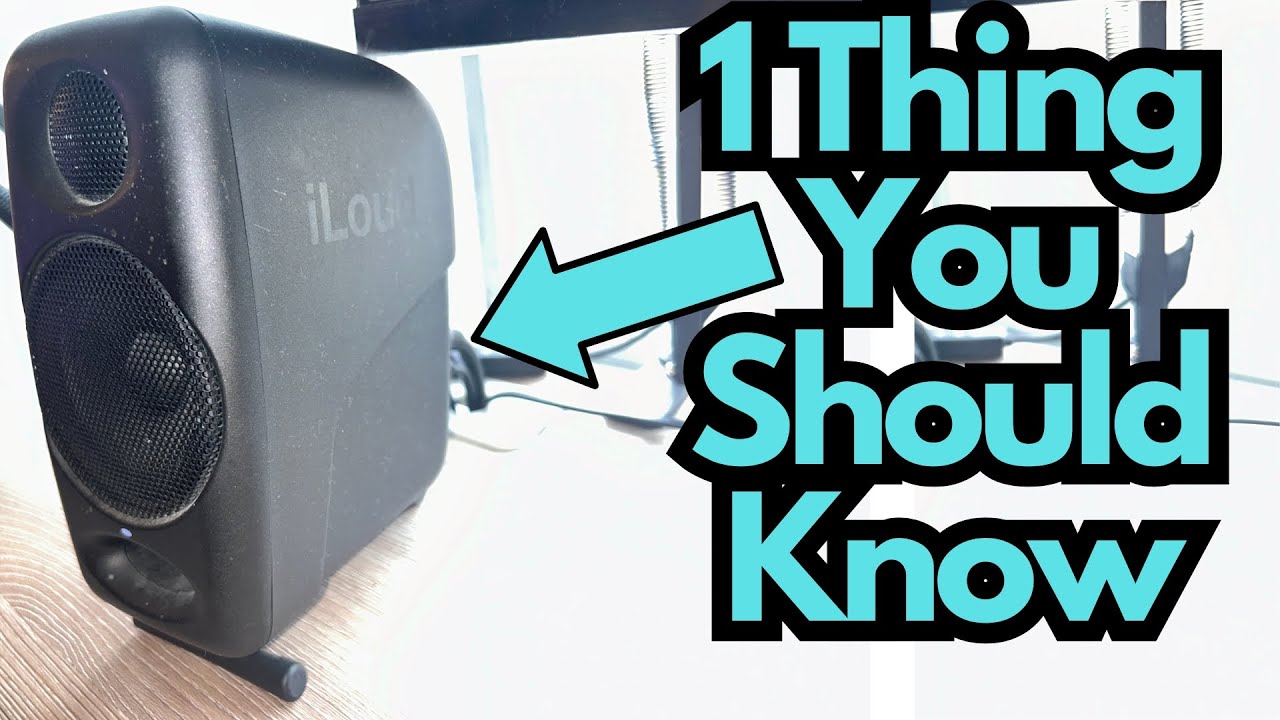
If you’ve been using the IK Multimedia iLoud Micro Monitors for a while, you already know why so many home studio musicians and producers love them: they’re compact, sound great for the size, and fit perfectly on a desk beside a laptop or small interface.
But what happens when the proprietary-looking cable on the back fails? Do you have to replace it with the official IK Multimedia cable, or worse, replace the whole system? You can grab one on Amazon if you’re interested.
This post walks through a real-world experience with a broken iLoud Micro Monitor cable and what actually worked as a solution.
Overview / First Impressions
After about three years of regular use, the stereo link cable on a pair of iLoud Micro Monitors finally gave out. This is the cable that connects the left and right speakers together, carrying audio and power/control between them.
At first, it looked like bad news:
- The original cable seemed proprietary.
- Official IK Multimedia replacement cables online were relatively expensive.
- There was a concern that only the original cable would work and the monitors might be useless without it.
The good news: that turned out not to be the case.
Build Quality & Design (Cable Side of Things)
The iLoud Micro Monitor system is generally solid, but like any gear that lives on a desk and gets moved, bumped, or re-routed, cables can eventually fail—especially if they’re bent sharply or pulled frequently.
The link cable:
- Connects from one speaker to the other.
- Looks more “specialized” than a typical instrument cable.
- Can give the impression that it’s a proprietary part you must replace with the official version.
In practice, the connection is more flexible than it appears.
Features & Functions: The Link Cable
The key point is that the iLoud Micro Monitors don’t require an official IK Multimedia cable to function properly, as long as the replacement cable:
- Physically fits the ports on the back of the speakers.
- Matches the needed connector type (stereo link cable).
- Is wired correctly for stereo operation.
In the experience described:
- The original iLoud cable failed.
- An aftermarket cable was purchased (brand unknown).
- The cable was connected from the laptop’s headphone output into the speakers as usual, and then between the speakers.
- The monitors worked perfectly with the non-IK cable.
How It Works in Practice
Once the aftermarket cable was plugged in:
- The iLoud Micro Monitors powered up and functioned normally.
- Stereo imaging and overall sound quality were unchanged.
- There were no issues with noise, dropouts, or connectivity.
For everyday use—mixing, practicing, producing, or casual listening—the replacement cable behaved just like the original.
This is reassuring if you rely on these monitors for:
- A compact home studio setup.
- A portable rig with a laptop.
- Practicing guitar or bass through modelers, plugins, or an audio interface.
Limitations / Things to Know
A few points to keep in mind if your iLoud Micro Monitor cable fails:
- Check connector type carefully
Make sure the replacement cable matches the jack type and configuration on the back of the monitors. Don’t force anything that doesn’t fit cleanly. - Quality still matters
While you don’t have to buy the official IK Multimedia cable, extremely cheap, poorly made cables can introduce noise or fail early. A midrange, decent-quality cable is usually a safe bet. - Warranty considerations
If your monitors are still under warranty, using third-party cables might have implications. Check IK Multimedia’s warranty policy if that’s a concern. - Cable strain
To avoid another failure, try to keep the cable from being sharply bent or tugged, especially where it plugs into the speakers.
Final Thoughts
If you own iLoud Micro Monitors and your link cable breaks, you’re not stuck. You don’t have to throw the speakers out, and you don’t necessarily need to buy the official IK Multimedia replacement.
As long as you choose a compatible, reasonably well-made cable, the iLoud Micro Monitors will work just fine. That makes them a little less “locked in” and a lot more reassuring as a long-term investment for your home studio or portable setup.
In short: the iLoud Micro Monitors are still very usable even if the original cable fails—just replace it with a suitable third-party cable and keep making music.