

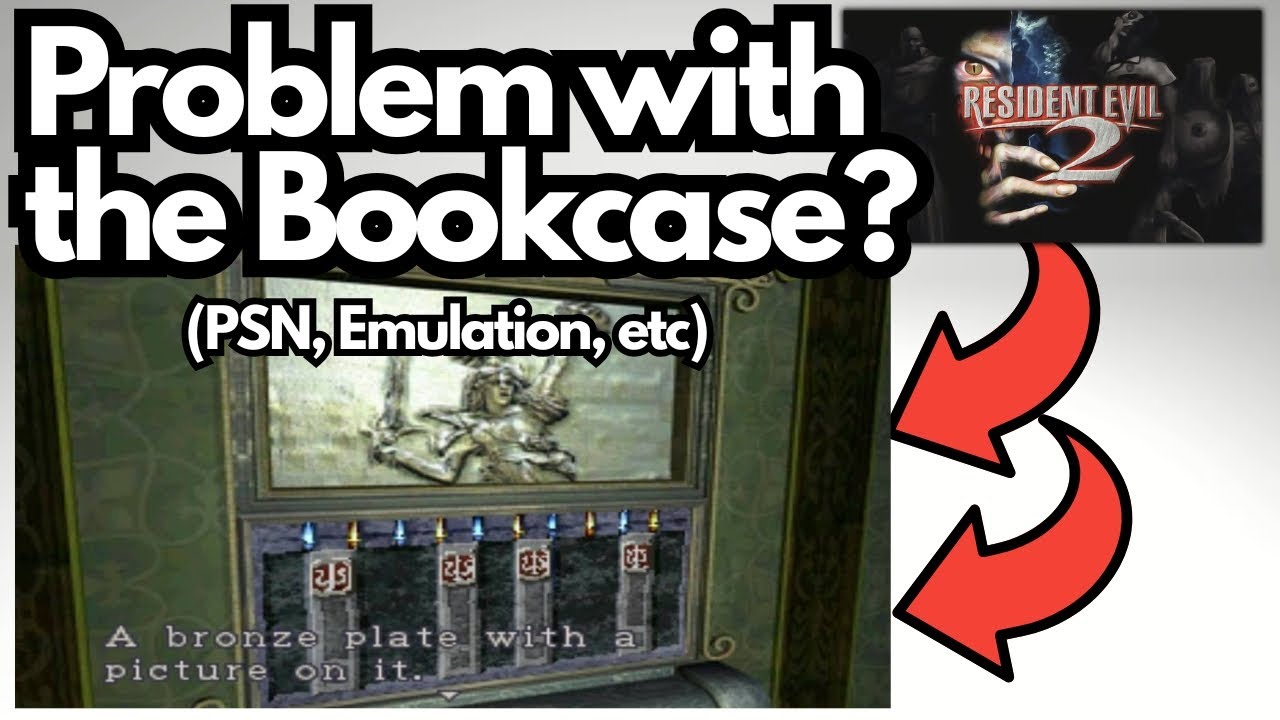
If you’re playing the PSN version of Resident Evil 2 and you’ve hit the bookcase puzzle only to find that things look… wrong, you’re not alone. The bookcase appears misaligned, the puzzle doesn’t seem solvable, and it’s easy to assume the game is glitched.
The good news: it’s not broken. It’s a simple display setting issue, and you can fix it in seconds.
What’s Going Wrong?
On the PSN version of Resident Evil 2, playing in full screen mode can cause the bookcase puzzle to appear shifted or misaligned. In this state, it looks like you can’t properly line things up, and the puzzle won’t behave the way it should.
This is especially noticeable in Claire’s scenario, where you might run into this for the first time.
How to Fix the Bookcase Puzzle (Step-by-Step)
Follow these steps while you’re in-game:
- Press the Home Button
Open your console’s main menu while the game is running. - Go to Other Settings
Navigate to the game’s display or screen settings. Look for something like “Other Settings” or a similar options menu. - Change Screen Mode
Find the option for Screen Mode.- It will likely be set to Full Screen.
- Change it from Full Screen to Normal (or “Regular”).
- Return to the Game
Go back to the bookcase puzzle.- You should now see that the bookcase has shifted into the correct position.
- The puzzle will be aligned properly and can be solved as intended.
That’s all you need to do—no restart, no reinstall, just a quick screen mode change.
What About Other Scenes and Puzzles?
- In some other parts of the game, switching away from full screen might make gems or certain visual elements look a bit odd, but it doesn’t affect how those puzzles work.
- When you place items or parts in those scenes, they’ll still fall into place correctly and function as they should.
- The bookcase puzzle seems to be the only part of the game where this screen mode issue actually stops progress.
To keep things simple, you can:
- Switch to Normal mode for the bookcase puzzle.
- If you prefer full screen, you can try switching back afterward, though staying on Normal avoids any potential weirdness.
Final Thoughts
If the bookcase puzzle in the PSN version of Resident Evil 2 looks completely wrong, it’s almost certainly just your screen mode, not a game-breaking glitch. Switching from Full Screen to Normal realigns everything and lets you progress normally.
Set it to Normal, solve the puzzle, and you’re good to go.