

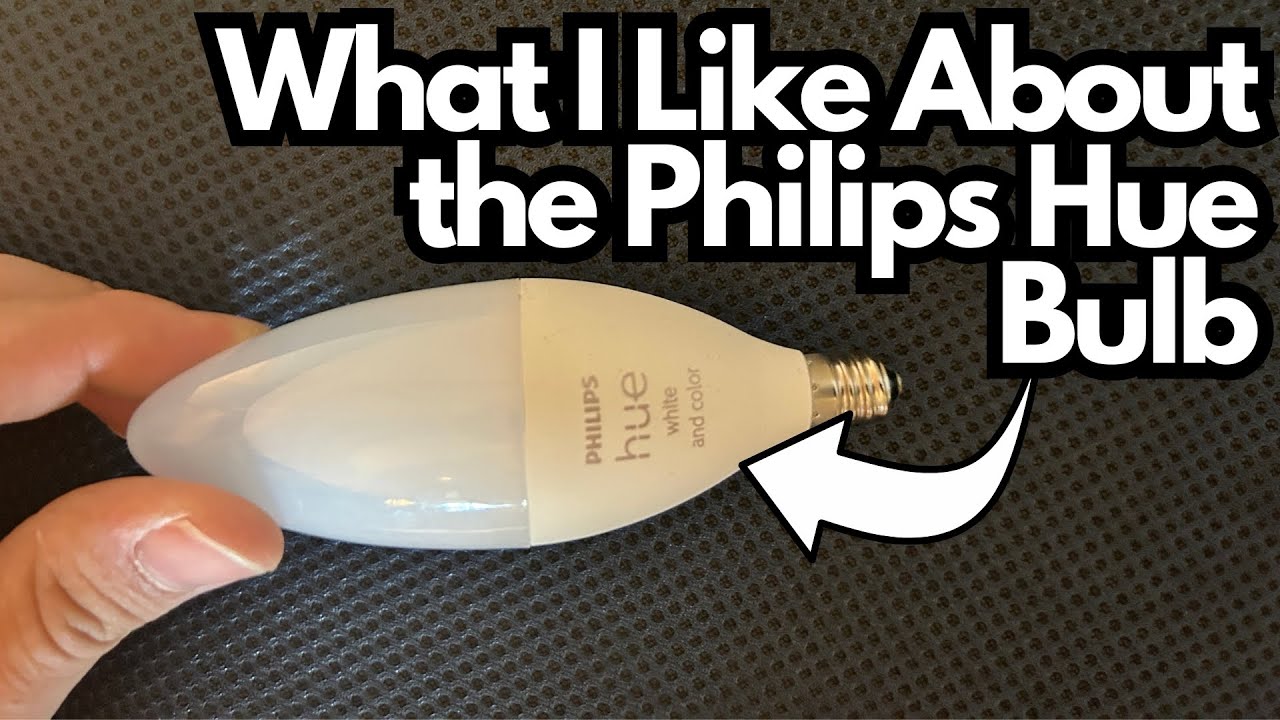
Your bedside lamp is one of the best places to start if you’re just getting into smart home appliances. A smart bulb there can shift from focused reading light to ambient mood lighting without you ever leaving the bed.
Here’s a closer look at using a Philips Hue bulb as a dedicated bedside light, how it integrates with the app, and what it’s actually like to live with day to day. You can grab one here on Amazon.
Overview / First Impressions
Used as a bedside light, the Philips Hue bulb feels like a natural, almost invisible upgrade. Once it’s set up in the lamp, you can:
- Control it from the Philips Hue app
- Save and recall different lighting presets
- Still use the lamp like a normal, non‑smart light whenever you want
It’s not a flashy “new gadget” experience so much as a quiet quality-of-life improvement—especially if you like to read in bed or wind down with softer lighting.
Build Quality & Design
From a physical standpoint, the bulb:
- Fits a standard bedside lamp socket with no issue
- Screws in and functions like any regular bulb when not connected to the app
- Doesn’t change the look or footprint of your existing lamp
There’s nothing visually wild going on here. The magic is all in the control and flexibility once it’s part of your Hue setup.
Features & Functions
App Control with Philips Hue
Using the Philips Hue app, you can label and control the bulb just like any other Hue light. In this case, it’s set up as “bedl light” (bedside light), and it can be:
- Turned on/off from your phone
- Dimmed or brightened
- Switched between a wide range of presets and scenes
Presets & Scenes
The app includes a ton of built-in moods and scenes. Some of the options mentioned:
- Sunset
- Honolulu
- Miami
- Soho
- Custom scenes (like one nicknamed “Poison Ivy”)
These let you quickly change the vibe of the room—warmer tones for relaxing, cooler or brighter tones for reading, or colored scenes for ambience.
If you’ve got other Hue lights (like a Philips Hue Go in the corner of the room), you can coordinate them with the bedside bulb for a cohesive look, or just use the bedside light on its own.
Works Like a Normal Lamp When You Want
One of the most underrated features: you can completely ignore the smart side and just use the lamp like a normal light.
If you:
- Turn the Hue control off in the app for that bulb, and
- Use the lamp’s physical switch,
the bulb behaves like a regular, non-smart bulb. No app required.
This is especially handy if:
- You want a simple, predictable light for reading
- Other people use the lamp and don’t want to mess with the app
- Your phone isn’t nearby or you just don’t feel like using it
How It Performs in the Bedroom
1. Reading Before Sleep
If you like to read before bed, the ability to:
- Set a comfortable, warm white light
- Keep the bulb behaving like a normal lamp via the switch
makes the Hue bulb feel very natural. You don’t have to think about anything “smart”—you just turn on the lamp and read.
2. Wind-Down Lighting
Those built-in scenes like Sunset or Honolulu are great for winding down:
- Warmer, softer tones can help you relax before sleep
- You can dim the light to a low, cozy level from the app
It’s a nice upgrade from a single harsh white bulb.
3. Late-Night Convenience
If you wake up at night or need to get up early:
- You can bring the light up slowly and softly instead of blasting full brightness
- You can control it from bed without hunting for the switch in the dark
If you have other Hue lights in the room, you can also keep those off and just use the bedside bulb for a focused pool of light.
Limitations / Things to Know
A few practical points to keep in mind:
- Requires the Hue ecosystem
You’ll need the Philips Hue app and, depending on your setup, possibly a Hue Bridge for full functionality and integration. - App vs. physical switch
If the lamp switch is off, the app can’t turn the bulb on. You still need to leave the lamp’s switch in the “on” position when you want smart control. - Not a specialty reading lamp
While the bulb is great for reading, it’s still just a bulb. If your lamp’s shade is very dark or small, that will affect the overall brightness and spread.
Final Thoughts
As a bedside upgrade, a Philips Hue bulb is one of those small changes that adds up to a big quality-of-life improvement:
- Flexible scenes and colors when you want ambience
- Simple, “dumb” lamp behavior when you just want to read
- Easy integration with other Hue lights like a Hue Go
If you’re already using Philips Hue elsewhere in your home, adding a bulb to your bedside lamp is an easy win. And if you’re just getting started with smart lighting, this is a low-friction, high-payoff place to begin.