

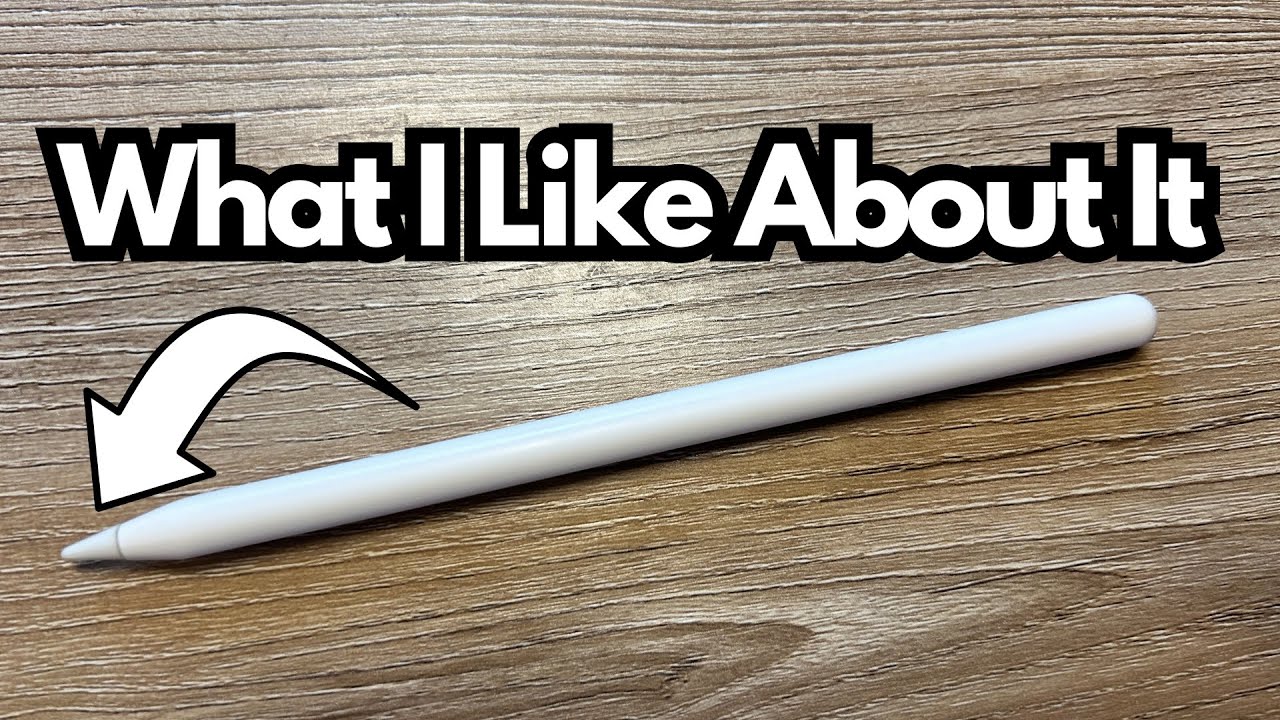
If you’re a guitarist using Logic Pro on the iPad, the Apple Pencil can quietly become one of those “how did I live without this?” tools (on Amazon). It’s not just for artists and designers—there’s a very real workflow advantage for anyone doing recording, editing, and mixing on Apple’s tablet.
This is a quick, real-world look at using the latest Apple Pencil with Logic Pro for iPad from a music-making perspective, not a graphic design one.
Overview / First Impressions
I picked up the latest Apple Pencil around the time Logic Pro for iPad was released. I’m not a visual artist, and I didn’t buy it for drawing or sketching. The main reason was simple: I wanted finer control when working in Logic Pro on the iPad, especially for automation.
In that role, it’s been surprisingly useful. I don’t use it every single day, but I use it often enough that I’m glad I bought it—and I’d miss it if it disappeared from my setup.
Build Quality & Design
From a hardware standpoint, the Apple Pencil feels solid and well thought out:
- Magnetic attachment: It snaps onto the side of the iPad Pro and stays there. In practice, that means:
- Durability: I’ve used the same tip for about a year without needing to replace it. For my use—mostly music production, not constant drawing—that’s been more than enough.
Guitarists will appreciate that it feels more like a proper tool than a cheap stylus. There’s a certain grab-and-go convenience that fits nicely into a studio workflow.
Features & Functions (For Music Makers)
While the Apple Pencil has a lot of features for artists (pressure sensitivity, tilt, etc.), the big wins for Logic Pro users are more practical:
- Precision control: Great for:
- Instant charging & pairing:
- Always-on convenience:
How It Fits a Guitarist’s Workflow
The Apple Pencil doesn’t affect tone directly, but it definitely affects how you work on your tone and mixes.
Here are some practical guitar-centric use cases in Logic Pro for iPad:
- Automation editing
- MIDI and performance tweaks
- Mixing details
In short, it turns the iPad from a big touch screen into something that feels closer to working with a mouse or a control surface, while still keeping the immediacy of touch.
Limitations / Things to Know
A few practical notes before you buy:
- Usage level matters: I haven’t had to replace the tip in a year, but that’s with moderate use. If you’re a heavy daily user—especially for drawing or design—you’ll probably go through tips faster.
- Not essential, but very nice to have: You can use Logic Pro on iPad with just your fingers. The Pencil isn’t mandatory—but for detailed editing, it’s a genuine quality-of-life upgrade.
- Best with compatible iPads: The magnetic charging and attachment are key to the experience. If your iPad supports that feature, the Pencil feels much more integrated into your workflow.
Final Thoughts
For a guitarist using Logic Pro on the iPad, the Apple Pencil is one of those small additions that makes the whole setup feel more “pro.”
- It’s great for drawing automation and doing fine edits.
- It lives on the iPad, stays charged, and doesn’t get in the way.
- It’s held up well over a year of use without needing a tip replacement.
If you’re doing any serious recording, editing, or mixing on an iPad—especially detailed automation work—the Apple Pencil is absolutely worth considering as part of your mobile rig.