

If you live your life online—managing bank accounts, subscriptions, social media, and more—your passwords are basically the keys to your entire world.
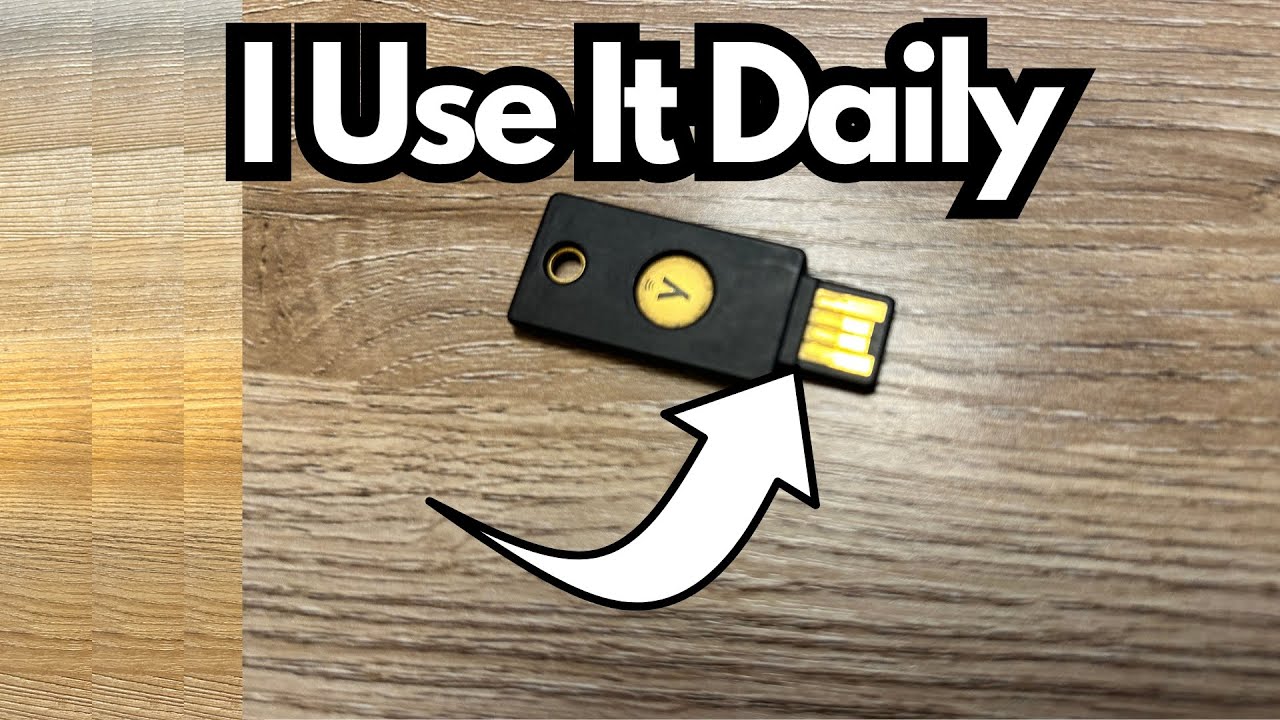
A hardware security key like a YubiKey (on Amazon) can add a serious layer of protection on top of your regular login, and it’s one of those tools that quietly becomes part of your daily routine.
This post walks through real-world use of a YubiKey with LastPass: how it works, what it does well, where it falls short, and what you should know before relying on it as your main security device.
Overview / First Impressions
The YubiKey is a small hardware device that acts as a physical “second factor” when you log into services like LastPass. Instead of only typing a password, you also need this key to get in. No key, no access.
In this setup:
- LastPass is the password manager holding all the logins.
- The YubiKey is the physical token required to unlock those logins.
The idea is simple: even if someone steals or guesses your master password, they still can’t get into your accounts without the physical key. For everyday use, once it’s set up, it becomes a quick tap in your workflow.
Build Quality & Design
Physically, the YubiKey is compact and designed to live on a keyring or stay plugged into a USB port. However, in practice, durability has been a concern:
- This is the third YubiKey in use.
- A previous USB‑C model broke, and another standard key of this style also failed.
- Based on experience so far, each key seems to have a limited lifespan, with an expectation that this one may last only about another year.
So while the concept and function are excellent, the hardware itself can feel a bit fragile over time—especially if it’s on a keychain or constantly being plugged and unplugged.
Features & Functions
1. Two-Factor Authentication (2FA)
The core job of the YubiKey here is two-factor authentication:
- You enter your LastPass master password.
- LastPass then prompts you to use your YubiKey.
- You tap or use the key, and only then do you gain access.
This means:
- A stolen password alone is not enough to get into your vault.
- An attacker would need both your password and your physical key.
2. Integration with LastPass
The YubiKey is fully supported by LastPass:
- You can configure it in your LastPass security settings.
- Once set up, it becomes a required step in the login process.
- It works across devices that can read the key (USB or USB‑C, depending on your model).
This makes it a central part of your security stack if you rely on LastPass for managing all your logins.
How It Works in Daily Use
In practice, using the YubiKey with LastPass feels like this:
- You go to log into LastPass.
- You type your master password.
- LastPass prompts you to use your YubiKey.
- You plug it in (if it isn’t already) and tap it.
- Your vault unlocks, and you have access to all your passwords.
Over time, this becomes second nature. It’s not much slower than just typing a password, but it dramatically increases your security.
From a reliability standpoint:
- The key does what it’s supposed to do.
- There have been no issues with unauthorized access when using this setup.
- It provides peace of mind that someone can’t just brute-force or steal a password and walk into your accounts.
Limitations / Things to Know
1. Hardware Durability
- Multiple keys have broken over time.
- If this is your only key and it fails, you could be temporarily locked out unless you’ve set up backup methods.
Tip: Consider having a backup YubiKey registered to your LastPass account and stored in a safe place.
2. Trust in the Password Manager
Even with strong hardware security, you still need to trust the platform:
- There is some concern that LastPass itself may not be as secure as desired at the system level.
- The YubiKey protects against someone logging into your account, but it doesn’t fix any issues that might exist on the provider’s side (for example, breaches or vulnerabilities).
In other words, the YubiKey is excellent at account-level protection, but you’re still relying on the security practices of the password manager you choose.
3. Dependency on the Physical Key
If you:
- Lose the key,
- Break it,
- Or forget it when traveling,
you may find yourself locked out unless you’ve set up alternative 2FA methods or backup keys. Planning for that is crucial.
Final Thoughts
The YubiKey, paired with LastPass, provides a strong, practical layer of security for anyone who wants better protection than just a password—especially if your LastPass vault contains the keys to your financial, work, and personal accounts.
Pros:
- Strong, simple two-factor authentication.
- Physical key makes unauthorized access much harder.
- Integrates cleanly with LastPass.
Cons:
- Durability concerns: multiple keys have broken over time.
- Overall security still depends on LastPass as a platform.
- You must manage the risk of loss or damage to the key.
If you’re serious about securing your online life, a hardware key like this is worth using—but treat it like any critical piece of gear: have a backup plan, and don’t assume the hardware will last forever.