

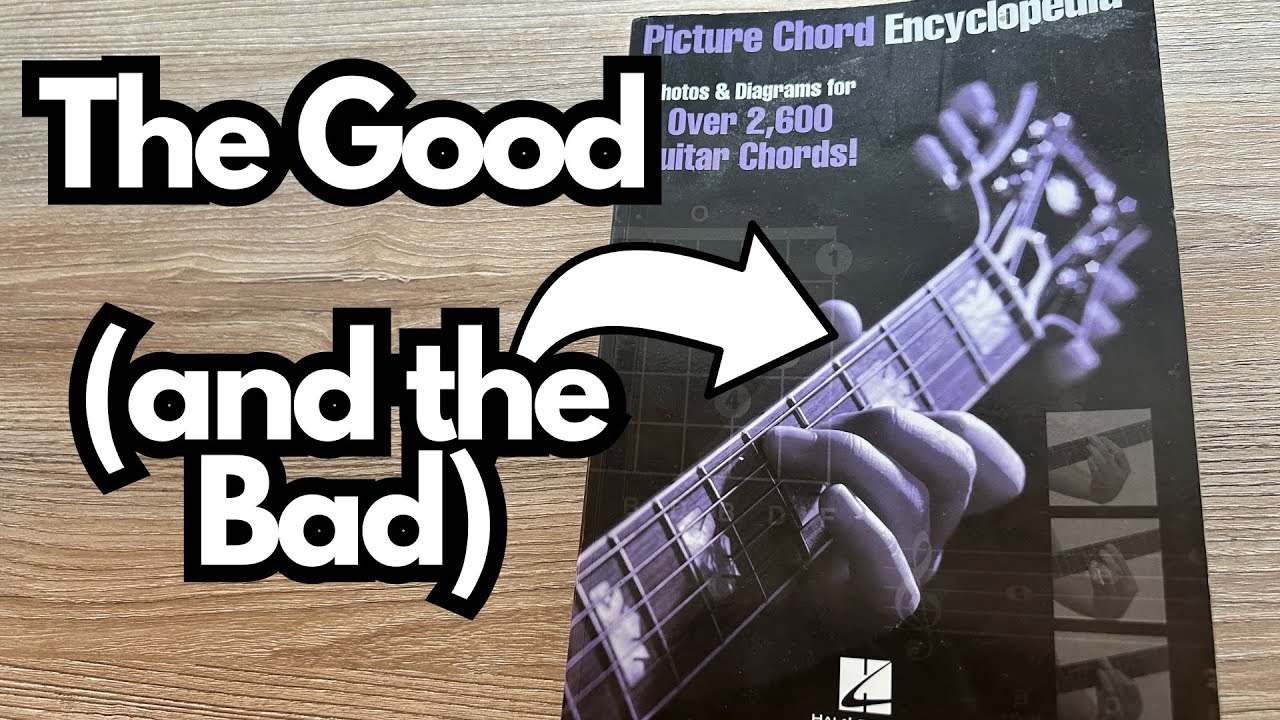
If you’re the kind of guitarist who likes having something physical on the coffee table to flip through for ideas, the Picture Chord Encyclopedia (on Amazon) is one of those small but genuinely useful tools. It’s not an app, not a giant theory tome—just a compact chord reference that’s easy to grab when you want to try a new voicing or build a quick progression.
This is especially handy if:
- You don’t always want to use your phone (maybe it’s your camera, tuner, or backing-track player).
- You like seeing chord diagrams and knowing which notes are in each shape.
- You want a straightforward, no-fuss way to explore common chord shapes all over the neck.
Let’s break down what this little book actually offers.
Overview / First Impressions
Physically, the Picture Chord Encyclopedia is a small, portable book—just a bit bigger than an iPhone. It’s the kind of thing you can leave on your coffee table or toss into a gig bag without thinking about it.
What it does:
- Shows you multiple ways to play each chord.
- Gives you clear chord diagrams.
- Includes note information for each chord (so you can see exactly what you’re playing).
What it doesn’t try to be:
- A deep, advanced jazz voicing bible.
- A complete theory textbook.
- A phone app replacement with unlimited variations.
Instead, it focuses on being a practical, grab-and-go chord reference for everyday use.
Build Quality & Design
From a design standpoint, the book is simple and functional:
- Compact size: Slightly larger than an iPhone, making it easy to keep nearby.
- Side index tabs: The edges of the pages are marked by letter (A, B, C, etc.), so you can quickly flip to the chord family you want.
- Clear layouts: Each chord is shown with a diagram, and the presentation is straightforward—no clutter, no confusing extras.
It feels like something meant to be used, not babied. Mine lives on the coffee table so I can grab it whenever I’m sketching out a new progression.
Features & Functions
1. Multiple Voicings per Chord
For each chord type, you get around five different shapes. That means:
- You can play the same chord in different positions on the neck.
- You can quickly change the color of a progression by moving a chord higher or lower.
- You’re not stuck with just the standard open shape or one bar chord.
These aren’t the most exotic, out-there voicings, but they cover the most useful shapes you’ll reach for in real-world playing.
2. Note Breakdown
One of the most valuable aspects is that it doesn’t just show you where to put your fingers—it shows you which notes are in the chord.
That’s huge if you’re:
- Trying to learn the fretboard.
- Wanting to understand why a chord sounds the way it does.
- Interested in building your own voicings later.
Seeing the note names directly tied to the chord diagrams helps bridge the gap between “shape memory” and real fretboard understanding.
3. Alphabetical Organization
The chords are organized by letter, with a visible bookmark-like index on the side. That makes it fast to:
- Jump to “C” chords when you’re working in C major.
- Flip from “G” to “D” while writing a progression.
- Navigate without digging through a table of contents.
It’s a small design choice that makes a big difference when you’re using it regularly.
How It Fits into a Guitarist’s Workflow
This is a chord book, so it doesn’t “sound” like anything on its own—but it absolutely affects how you sound when you use it.
1. Writing Quick Progressions
If you’re sitting on the couch and want to come up with a new progression, this book is perfect. You can:
- Flip to a key (say, C or G).
- Pick a few common chords (C, Am, F, G, etc.).
- Experiment with different voicings to change the mood—open, mid-neck, or higher voicings for brighter textures.
It’s a great tool for breaking out of the habit of always using the same 2–3 shapes for every chord.
2. Expanding Your Chord Vocabulary
If you mostly know:
- Open chords
- A couple of bar chord shapes
…this book helps you quickly discover other ways to play the same chords without needing to dive into heavy theory. You’ll naturally start to:
- Play inversions higher up the neck.
- Use different shapes to make chord changes smoother.
- Add variety to rhythm parts and arrangements.
3. Learning the Fretboard Through Chords
Because the notes are labeled, you can use the book as a practical fretboard trainer:
- Look up a chord you already know.
- Study which notes are on each string.
- Start recognizing patterns of intervals and note locations.
Over time, you won’t just be memorizing shapes—you’ll actually know what you’re playing.
Limitations / Things to Know
The Picture Chord Encyclopedia is useful, but it’s not perfect or all-encompassing. A few things to keep in mind:
- Limited number of voicings: You get around five shapes per chord. That’s enough for most practical uses, but if you’re a jazz player or a voicing nerd, you’ll eventually want more specialized resources.
- Not focused on “exotic” chords: It leans heavily on standard, common voicings. You’re not going to find pages of highly altered or extended chords laid out in every position.
- Not a full theory course: While it helps connect shapes to notes, it doesn’t walk you step-by-step through harmony, chord construction, or improvisation concepts.
Think of it as a solid, practical reference tool, not a full education in a book.
Final Thoughts
For what it is—a compact, visual chord reference—the Picture Chord Encyclopedia does its job very well.
- It’s portable, simple, and genuinely useful.
- The note labeling makes it more than just a “shape book.”
- The alphabetical organization and multiple voicings per chord make it fast to use when you’re actually playing, writing, or practicing.
If you like having a physical resource nearby and you don’t always want to rely on your phone, this is a great little book to keep on your coffee table or in your gig bag. It won’t replace deep study or advanced chord resources, but it will absolutely help you get more out of your everyday playing.
Resources & Further Study
If you want to go beyond just chord shapes and really dig into the fretboard and harmony, here are two useful resources mentioned:
Fretboard Cheat Sheet (Triads in Every Key) – Available on my other site: travelingguitarist.com. It lays out major and minor triads in every key and uses approaches like octave mapping to help you:
- Memorize the fretboard.
- Understand the foundation of harmony (triads).
- Start improvising more confidently in multiple keys.
Guitar Forum – You can join the community at forum.travelingguitarist.com to:
- Talk guitar, music, and related topics.
- Ask questions and share ideas.
- Connect with other players working on similar skills.
Pairing a practical chord book like the Picture Chord Encyclopedia with triad study and fretboard work is a powerful combination for becoming a more complete guitarist.