

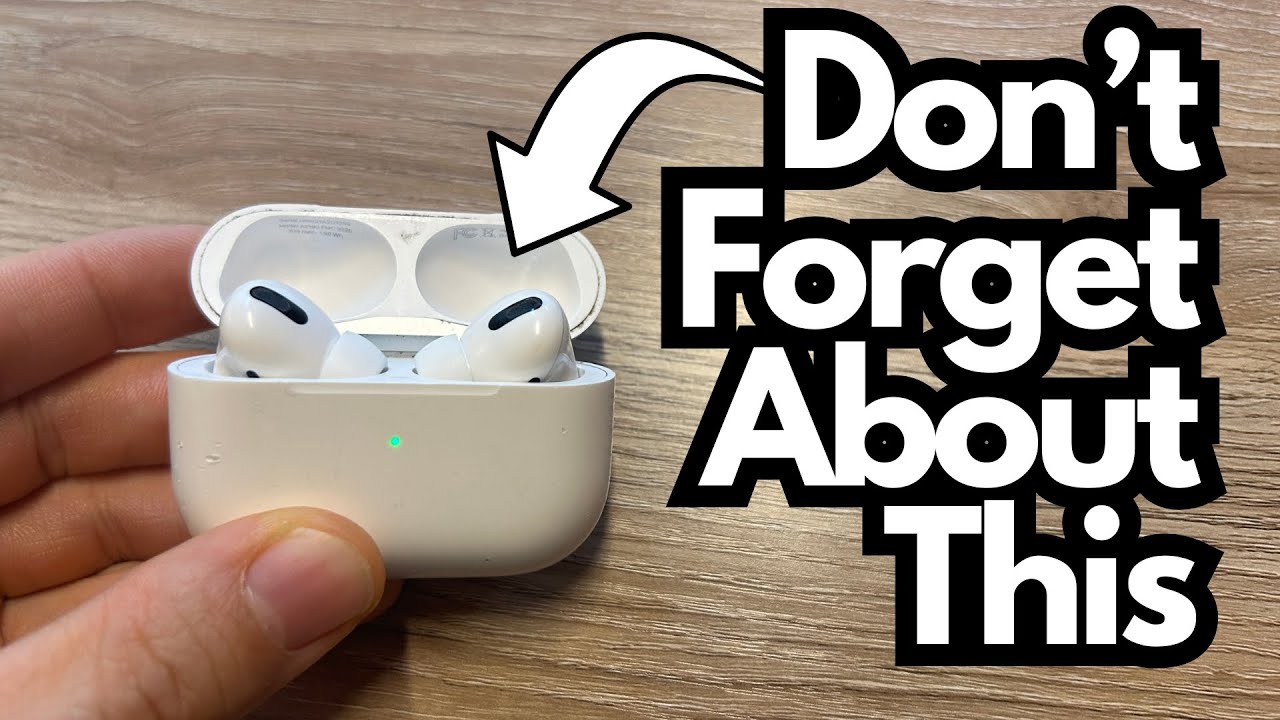
If you use your AirPods every day, they’re going to get dirty—earwax, dust, pocket lint, the works. Clean AirPods not only look better, they can also help maintain sound quality and hygiene. The trick is doing it without damaging the speakers or getting liquid where it shouldn’t go.
Here’s a simple, effective way to keep your AirPods looking and working like new using a small cleaning tool. You can grab some here on Amazon if you’re interested.
Overview / First Impressions
After a couple of years of regular use, AirPods can start to look pretty rough. The good news is you don’t need any fancy electronics cleaner or complicated process. A small, purpose-made cleaning tool with a sponge tip on one side and a fine needle or pick on the other is enough to keep them in great shape.
Used gently and regularly, this kind of tool can keep your AirPods looking almost brand new.
Build Quality & Design of the Cleaning Tool
The tool described here has two ends:
- Soft sponge tip
- Great for wiping away surface grime and buildup.
- Can be used dry, or very slightly damp if you’re careful.
- Fine needle/pick end
- Designed to reach into tight areas.
- Useful for cleaning ports, seams, and the inner edges of the AirPods.
It’s small, easy to control, and much more precise than a bulky cotton swab.
Features & Functions: What Each End Is For
Sponge Tip
- Use it to:
- Clean the outer surfaces of the AirPods.
- Gently wipe around the speaker grills.
- Remove smudges and light buildup.
- You can lightly dampen the sponge:
- If you do, make sure it’s just barely moist, not wet.
- Avoid any liquid running or dripping—moisture and electronics don’t mix.
Needle / Pick End
- Use it to:
- Carefully clear out wax or debris from crevices.
- Clean the small openings and seams around the body.
- Gently work around the edges of the speaker grill (without poking through it).
This side gives you the precision you don’t get from a Q-tip, and it helps avoid pushing debris deeper into the mesh.
How to Clean Your AirPods Step by Step
- 1. Start with the outer shell
- Use the sponge tip to wipe the outside of each AirPod.
- Work around the stem and the curved parts that sit in your ear.
- 2. Clean around the speaker area
- Still using the sponge end, gently wipe around the speaker openings.
- Don’t push hard; let the sponge lift away debris.
- 3. Use the needle end for tight spots
- Carefully insert the needle tip into small crevices and edges.
- Loosen and remove wax or dirt that’s stuck.
- Avoid stabbing or scraping the actual speaker mesh—work around it, not through it.
- 4. Tidy up the rest of the AirPods
- Use the needle tip to clean any other small holes or seams.
- Follow up with the sponge tip to wipe away anything you’ve loosened.
- 5. Repeat occasionally
- Doing this every so often keeps buildup from getting out of hand.
- With regular light maintenance, your AirPods can stay almost “100% clean” all the time.
Limitations / Things to Know
- Be gentle
- Too much pressure can damage the delicate speaker mesh or internal components.
- Avoid liquid inside the speakers
- If you slightly dampen the sponge, keep it away from any openings where liquid could seep inside.
- Skip harsh chemicals
- No alcohol, cleaners, or sprays directly on the AirPods.
- Don’t overdo it
- Frequent light cleaning is better than aggressive deep cleaning.
Final Thoughts
A simple dual-ended cleaning tool is a great way to keep your AirPods clean without risking water damage or mangling the speaker mesh. By using the sponge tip for general wiping and the needle end for detailed work, you can maintain both the look and performance of your AirPods over the long term.
Regular, careful cleaning goes a long way—especially if you’ve had your AirPods for a couple of years and want them to keep performing like they did when they were new.