

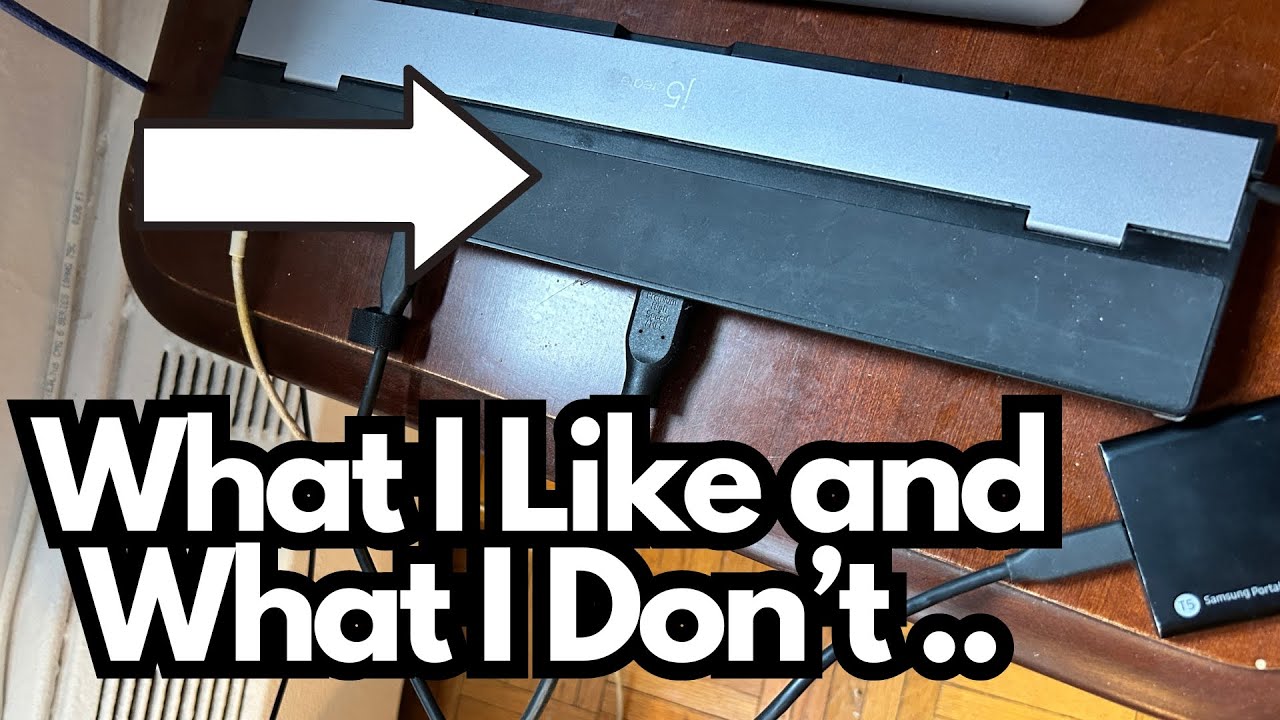
If you’re running a music production setup from a modern laptop, you already know the struggle: not enough ports, weird compatibility issues, and cheap adapters that die after a few months. A reliable USB-C hub becomes just as important as your audio interface or MIDI controller.
I’ve been using the J5Create USB-C (on Amazon) adapter as my primary hub for years in a home studio environment, so this is a real-world look at how it holds up—especially from a musician/producer’s perspective.
Overview / First Impressions
The J5Create adapter is a compact, rectangular USB-C hub designed to expand a single USB-C port into multiple connections. In a typical music production workflow, it’s doing a lot of heavy lifting:
- Connecting external displays via HDMI
- Powering and accessing external SSDs
- Acting as a general USB hub for various peripherals
In day-to-day use, it’s been reliable and stable, and it has essentially lived plugged into my laptop for years.
However, it’s not perfect—especially when it comes to MIDI keyboards, which is a big deal if you’re producing music.
Build Quality & Design
Physically, the adapter feels solid and well-built. It doesn’t have that flimsy, “disposable accessory” vibe that a lot of cheap hubs do.
A few design points worth noting:
- Sturdy housing – It’s built to handle being plugged in all the time and tossed around in a bag if needed.
- Integrated cable – The USB-C cable is attached but:
- It can be extended out when in use.
- It can be folded back inside the body of the adapter in a neat, organized way, turning the whole thing into a clean rectangular block for storage.
That fold-in cable design is actually very practical for gigging musicians or anyone who moves between studio, rehearsal space, and home—you’re less likely to damage the cable or tangle it with everything else in your bag.
Features & Functions
Here’s how I’ve been using the ports in a real studio setup:
- HDMI output
- Drives an external monitor (in my case, actually two monitors in the setup, with this hub handling one HDMI connection).
- Has been rock-solid for years—no random disconnects or flickering.
- USB ports
- Used for general peripherals.
- They work fine for many devices, but there’s a specific caveat with MIDI keyboards (more on that below).
- Power delivery port
- There’s a dedicated power delivery (PD) USB-C port on the adapter.
- This allows you to charge your laptop while using the hub, which is crucial for long recording or mixing sessions.
- External SSD support
- I run a solid-state drive (SSD) through the adapter without issues.
- Great for storing sample libraries, project files, and sessions that need fast read/write speeds.
Overall, for most gear you’d plug into a production setup—external drives, displays, and general USB peripherals—the J5Create adapter handles it well.
How It Fits a Guitarist/Producer Workflow
While this isn’t an audio interface or tone-related piece of gear, it directly affects your workflow and reliability as a guitarist or producer.
If you’re running a DAW (Logic, Ableton, Reaper, etc.) on a USB-C-only laptop, this hub can be the central connection point for:
- Your audio interface
- An external SSD with your sessions and plugins
- An external monitor so you can see more tracks and plugins while editing
It’s especially handy for home studio guitarists who:
- Track guitars through an interface
- Use amp sims or plugins
- Keep large sample libraries (drums, keys, orchestral stuff) on external drives
In terms of performance, once everything is connected, the adapter just quietly does its job. There’s no noticeable lag, and no weird behavior with drives or displays.
From a guitarist’s perspective, that’s exactly what you want from a hub: stability and invisibility.
Limitations / Things to Know
MIDI Keyboards Don’t Play Nice with the USB Ports
Here’s the main downside I’ve run into, and it’s important if you use MIDI controllers.
For whatever reason, the USB ports on this J5Create adapter do not reliably work with my USB MIDI keyboards.
- Other devices work fine in those USB ports.
- But when I plug MIDI keyboards into them, they either:
- Don’t get recognized properly, or
- Don’t function as expected.
My workaround has been to connect MIDI keyboards using a different adapter instead of this one. That’s not ideal, especially if you’re trying to keep your setup minimal and clean.
If you’re a guitarist who also plays keys or triggers samples with a MIDI controller, this is a real limitation to consider. The hub is great for displays, SSDs, and power—but it’s not my first choice for MIDI devices.
Final Thoughts
The J5Create USB-C adapter is:
- Durable – It’s survived years of daily use in a music production setup.
- Reliable – HDMI, SSDs, and power delivery all work consistently.
- Practical – The fold-in cable design makes it easy to store and travel with.
However, it’s not ideal for MIDI keyboards, at least in my experience. If your workflow relies heavily on USB MIDI controllers, you may need a secondary hub or a different solution for those.
If you’re a guitarist or producer looking for a solid, long-term USB-C hub mainly for displays, drives, and charging—and you’re okay handling MIDI devices through another connection—this adapter is a strong, battle-tested option.
If you want one hub to handle absolutely everything, including picky MIDI keyboards, you might want to test this model with your specific gear before fully committing.
Resources
- J5Create official site – For full specs and compatible models, check the current product page for your exact adapter version.
- Your DAW & interface docs – Always good to confirm recommended USB hubs or connection guidelines, especially for audio interfaces and MIDI controllers.