

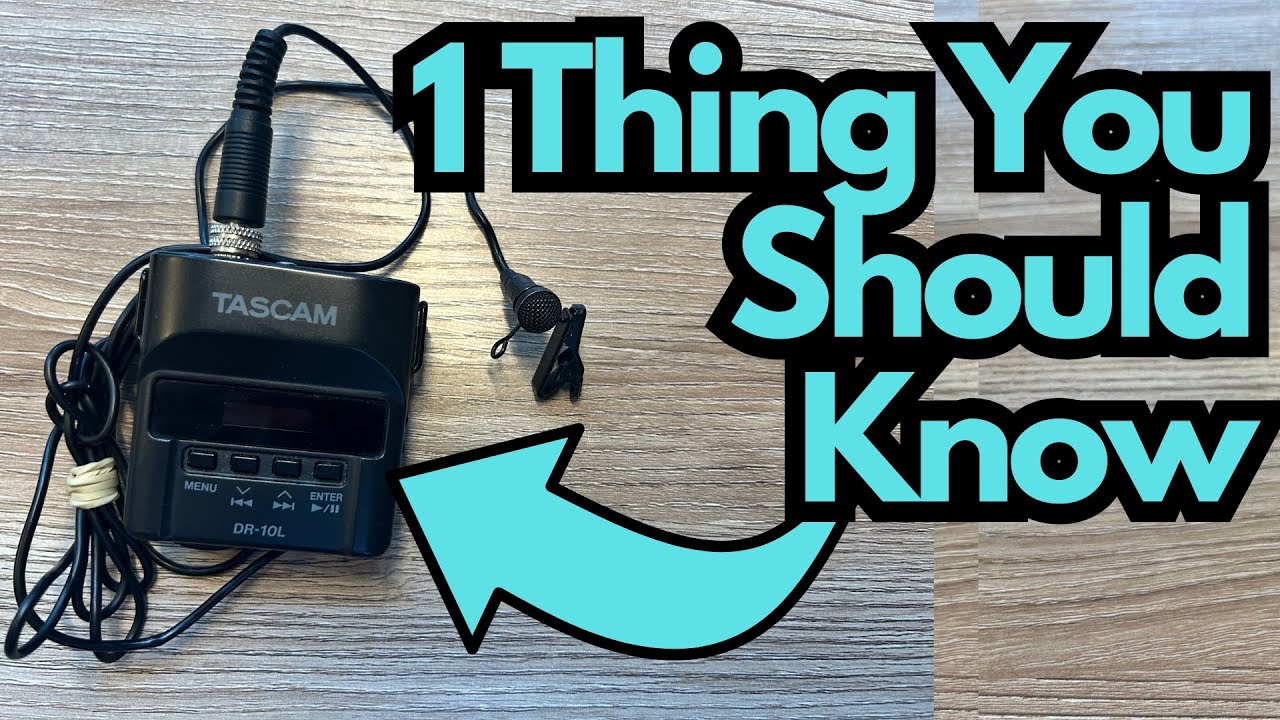
If you’re using a Tascam DR-10 (often mis-typed as “MD10”), especially as a guitarist capturing gigs, rehearsals, or demo ideas, there’s one crucial detail that can save you a ton of frustration: the kind of microSD card you use.
This little recorder is a workhorse—compact, reliable, and great for grabbing high-quality audio on the go. But it has a hard limit that many people overlook. You can grab one here on Amazon if you’re interested.
Let’s break it down so you don’t get stuck wondering why your brand-new card “doesn’t work.”
Overview / First Impressions
The Tascam DR-10 is a tiny, belt-pack style recorder that’s popular with:
- Guitarists recording live sets or stage audio
- Musicians capturing rehearsals or songwriting sessions
- Creators who need a simple, dedicated audio recorder
It’s easy to use, sounds good for its size, and is the kind of tool you end up relying on all the time once it’s in your kit.
But its memory card support is strictly limited.
Memory Card Compatibility: The Important Limit
Here’s the key thing you need to know:
- The Tascam DR-10 supports microSD cards up to 32 GB.
- It will not work with 64 GB cards (or larger).
If you try to pop a 64 GB microSD card into your DR-10, it simply won’t function correctly. The device is designed around the microSDHC standard (typically 4–32 GB), not microSDXC (64 GB and above).
In practical terms:
- A 16 GB card works.
- A 32 GB card works (this is the maximum supported size).
- A 64 GB card will not work.
If your recorder isn’t recognizing your card, this is probably why.
Why This Matters for Guitarists
If you’re:
- Recording full gigs
- Capturing long rehearsals
- Tracking multiple sets or takes in one session
…it’s tempting to grab a big 64 GB or 128 GB card and “never worry about space again.” But with the DR-10, that approach backfires.
Instead, stick to:
- One or more reliable 16–32 GB microSD cards
- Label them (e.g., “Live Set,” “Rehearsals,” “Song Ideas”)
- Rotate or back them up regularly
This will keep your setup stable and your recorder happy.
Practical Tips for Using the DR-10
- Use up to 32 GB only
Don’t waste money on larger cards for this unit—they won’t work. - Buy name-brand cards
Cheap, no-name cards are more likely to fail, especially during long recordings. - Format the card in the recorder
Once you insert a new card, format it using the DR-10’s own menu. This helps avoid file system issues. - Keep a spare card in your case
If you’re heading to a gig or session, having a backup 16 or 32 GB card is cheap insurance.
Limitations / Things to Know
- Storage ceiling: 32 GB maximum means you can’t rely on one massive card for days of continuous recording.
- No future-proofing with bigger cards: Even if 64 GB cards are cheap and everywhere, this particular device won’t take advantage of them.
That said, 32 GB is still plenty of space for most real-world uses, especially if you regularly offload and back up your recordings.
Final Thoughts
The Tascam DR-10 is a fantastic little recorder and an easy recommendation for guitarists and musicians who want a simple, always-ready way to capture quality audio.
Just remember this one rule:
Use microSD cards up to 32 GB. Anything larger, like 64 GB, will not work.
If you keep that in mind, the DR-10 will serve you well for gigs, rehearsals, and everyday creative capture.